Skip to content
Cart

Collection: NVIDIA Graphics Card

Whether you are building a competitive 1080p esports rig, tackling 4K ray tracing, or accelerating CUDA rendering workflows, NVIDIA GeForce RTX graphics cards set the industry benchmark. From the revolutionary Blackwell-powered RTX 50-series to proven Ada Lovelace RTX 40-series cards, our catalogue covers compact dual-fan units, silent triple-fan thermal designs, and workstation-grade hardware from tier-one brands like ASUS, Gigabyte, MSI, Palit, and INNO3D. Narrow your choice by VRAM across our 16GB graphics cards and 12GB graphics cards, or check out AMD Radeon graphics cards for alternative raster performance. Genuine Aussie stock with prompt dispatch.

Compare (0/5)

168 products

Leadtek

Leadtek Nvidia RTX PRO 2000 16GB GDDR7 Graphics Card LP

Regular price
Sale price $2,441.58 Regular price $2,553.01

GIGABYTE

Gigabyte GeForce RTX 5060 Ti AERO OC 8GB GDDR7 2647MHz Graphics Card

Regular price
Sale price $1,015.75 Regular price $1,078.70

Palit

Palit RTX 5070 Infinity 3 12GB GDDR7 Graphics Card

Regular price
Sale price $1,475.99 Regular price $1,599.00

Palit

Palit RTX5090 Gamerock OC 32GB GDDR7 512bit 3-DP HDMI ARGB Graphics Card

Regular price $14,999.00
Sale price Regular price

ASUS

ASUS GeForce DUAL-RTX5070-O12G 12GB GDDR7 2542MHz Graphics Card

Regular price $1,599.00
Sale price Regular price

Inno3D

INNO3D GeForce RTX 5060 TWIN X2 8GB GDDR7 2497MHz Graphics Card

Regular price
Sale price $811.27 Regular price $899.00

GIGABYTE

Gigabyte GeForce RTX 5070 Ti Gaming OC 16G GDDR7 2588 MHz PCIe 5.0 Graphics

Regular price
Sale price $2,278.00 Regular price $2,381.94

GIGABYTE

Gigabyte GeForce RTX 5060 Ti GAMING OC 8GB GDDR7 2647MHz Graphics Card

Regular price $1,099.00
Sale price Regular price

Palit

Palit RTX 5080 Infinity 3 16GB GDDR7 Graphics Card

Regular price
Sale price $3,066.38 Regular price $3,266.00

GIGABYTE

Gigabyte GeForce RTX 5060 Ti AERO OC 16GB GDDR7 2647MHz Graphics Card

Regular price $1,599.00
Sale price Regular price

GIGABYTE

Gigabyte GeForce RTX 5060 Ti WINDFORCE OC 16GB GDDR7 2587MHz Graphics Card

Regular price $1,499.00
Sale price Regular price

GIGABYTE

Gigabyte GeForce RTX 5060 Ti GAMING OC 16GB GDDR7 2647MHz Graphics Card

Regular price $1,599.00
Sale price Regular price

GIGABYTE

Gigabyte GeForce RTX 5060 Ti EAGLE OC ICE 16GB GDDR7 2617MHz Graphics Card

Regular price $1,659.00
Sale price Regular price

GIGABYTE

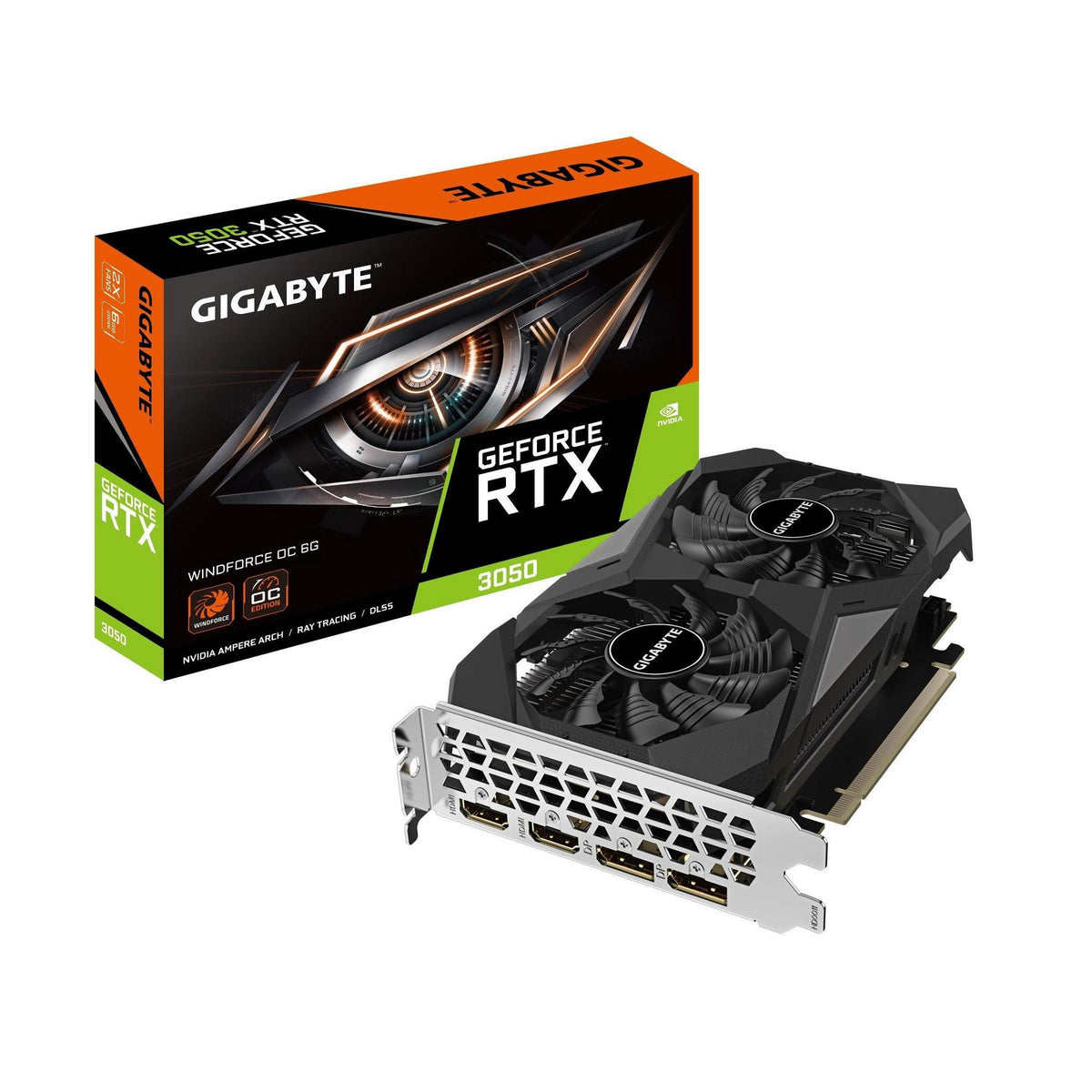
Gigabyte GeForce RTX 3050 WINDFORCE OC V2 6GB GDDR6 1477MHz PCIe 4.0

Regular price $499.00
Sale price Regular price

GIGABYTE

Gigabyte GeForce RTX 5060 Ti EAGLE MAX OC 16GB GDDR7 2617MHz Graphics Card

Regular price
Sale price $1,420.33 Regular price $1,599.00

GIGABYTE

Gigabyte GeForce RTX 5070 Ti Windforce OC SFF 16G GDDR7 2497 MHz PCIe 5.0

Regular price
Sale price $2,089.43 Regular price $2,184.73

MSI

MSI GeForce RTX 5070 GAMING TRIO OC 12GB GDDR7 2610MHz Graphics Card

Regular price
Sale price $1,556.65 Regular price $1,569.00

GIGABYTE

Gigabyte AORUS GeForce RTX 5070 Ti INFINITY 16GB GDDR7 2715MHz Graphics Card

Regular price $2,599.00
Sale price Regular price

Inno3D

INNO3D GeForce RTX 5070 TWIN X2 12GB GDDR7 2512MHz Graphics Card

Regular price
Sale price $1,362.39 Regular price $1,529.00

ASUS

ASUS ROG STRIX RTX 5070 TI 16GB GDDR7 28Gbps PCIe 5.0 Graphics Card

Regular price $2,499.00
Sale price Regular price

Which NVIDIA graphics card do you actually need?

Most PC builders overspend on the wrong thing here. They chase a model number when the real question is what resolution and refresh rate they play at, and how much VRAM those games want. Entry-tier cards like the RTX 5050 and 5060 class use a narrow 128-bit memory bus and usually 8GB of GDDR7. That is fine for 1080p, but the narrow bus and small VRAM pool become the limit once you push textures or resolution. The sweet spot sits around the RTX 5060 Ti 16GB, RTX 5070 and RTX 5070 Ti. You get more streaming multiprocessors, wider buses (192-bit up to 256-bit) and 12GB to 16GB of VRAM, which is what 1440p needs. The enthusiast tier (RTX 5080 and RTX 5090) is where returns flatten. The 5080 is a modest step over the 5070 Ti for a big price jump. The 5090 is a different beast, with a 512-bit bus, 32GB of VRAM and a power draw around 575W. It only makes sense for 4K high refresh, heavy 3D rendering or local AI work. Match the card to your Monitors first, because a 1080p 144Hz panel will never show what a flagship can do.

Upgrading and technical nuances

Current NVIDIA cards run the Blackwell architecture, with GDDR7 memory and DLSS 4 multi frame generation. Frame generation is genuinely useful, but it doesn't reduce input latency the way real frames do. If your base frame rate is 30fps, generating extra frames makes it look smoother without making it feel responsive. Buy for solid native or upscaled performance, then treat frame generation as a bonus.

VRAM is the biggest trap. An 8GB card can fall over in recent games at high texture settings, with stutter or textures that fail to load. For 1440p, 12GB is the practical floor and 16GB gives you breathing room. Some mid-range cards also run a PCIe x8 interface. On a modern PCIe 5.0 or 4.0 board that's fine, but on an older PCIe 3.0 system, a card that overflows its VRAM can lose noticeable performance.

Your processor matters too. A fast GPU paired with an old quad-core will leave frames on the table, so check CPUs & Processors and your Motherboards before you commit. AM5 and LGA1851 boards both give you PCIe 5.0 and plenty of headroom.

Partner cards also differ in real ways. Look at ASUS TUF Gaming and Prime, MSI Ventus and Gaming Trio, or Gigabyte Windforce and AORUS. Entry models like Ventus, Prime and Windforce use smaller heatsinks and simpler power stages, and they run a little louder at load. Premium lines like Strix, Suprim and AORUS Master add thicker fin stacks, vapour chambers, more VRM phases and dual BIOS switches. The factory overclock is usually only 2 to 3 percent. What you're really paying for is lower noise and thermal stability under sustained load.

Practical things to check before buying

Start with size. Many sweet-spot and enthusiast cards are 300mm to 350mm long and 2.5 to 4 slots thick. Check your Computer Cases listing for maximum GPU length and front radiator clearance, and measure the gap between the card and your side panel if you're mounting vertically. Heavy cards sag, so use a support bracket and don't rely on the PCIe slot to hold the weight.

Power is the next gotcha. Current cards use the 12V-2x6 connector, so a modern ATX 3.0 or 3.1 unit with a native cable is the cleanest option. As a rough guide, a 5060 class card is happy on 550W to 650W, a 5070 on 650W to 750W, a 5070 Ti or 5080 wants 850W, and a 5090 wants 1000W or more. Browse Power Supplies or ATX Power Supply units from Seasonic, Corsair RMx or similar. Seat the connector fully until it clicks, and don't bend the cable sharply right at the plug. If you need extensions or adapters, pick quality ones from Cables & Connectors.

Thermals depend on airflow. A big GPU dumps 250W to 575W into your case, so you want solid intake and exhaust from good Fans, Heatsinks & Cooling options. Also watch your M.2 slots. A hot GPU sitting above an NVMe drive can push Solid State Drives (SSD) into throttling, so use a heatsink or a slot away from the card. If your build is still a blank slate, our Computers range is worth a look as well.

Brands and local warranty

NVIDIA designs the silicon, but almost every card is built and supported by partners such as ASUS, MSI, Gigabyte, Palit, Zotac, PNY and Inno3D. They all use the same core chips, so the differences come down to cooler design, build quality, noise and support. Browse the full Graphics Cards / GPU range to compare them.

Warranty is where buying locally pays off. Under Australian Consumer Law you have guarantees that don't depend on the manufacturer's paperwork, and a local retailer has to deal with faults properly. Grey-import cards or overseas marketplace listings can mean paying for international freight and waiting weeks for a replacement. Keep your invoice, register the card where the brand asks, and avoid listings that don't clearly state Australian warranty.

Frequently asked questions

How much VRAM do I need for gaming?

For 1080p, 8GB still works but is starting to look tight. For 1440p, aim for 12GB to 16GB, and for 4K or heavy ray tracing, 16GB is the minimum I'd suggest. Creative and AI workloads can happily use 24GB or more.

Is a more expensive partner model worth it?

Sometimes. The silicon is identical, so the benefit is quieter fans, cooler temperatures and a sturdier build. If your case has good airflow and you use headphones, a mid-range model is usually fine.

Will my power supply work with a new NVIDIA card?

Check wattage and connectors. Most new cards need a 12V-2x6 or an adapter from 8-pin PCIe cables. A native ATX 3.x unit is neater and safer, and quality matters more than the headline number.

Do I need PCIe 5.0 for a new graphics card?

No. Current cards run perfectly well on PCIe 4.0, and the gap to 5.0 is small in games. It matters more on x8 cards in older PCIe 3.0 systems.

Can I just upgrade the GPU in an older PC?

Often yes, if the CPU, PSU and case can cope. A weak processor will bottleneck a new card, and older power supplies may lack the connectors or the quality to handle sudden load spikes.