Skip to content
Cart

Collection: Curved Gaming Monitors

Flat screens are fine for spreadsheets, but when you're cornering on Mount Panorama or dropping into a high-stakes firefight, a curved gaming monitor pulls your peripheral vision right into the action. Curvatures from subtle 1800R to deep 1000R match the natural geometry of human vision, keeping every corner of the display equidistant from your eyes to reduce edge distortion and eye strain. Our curved gaming collection brings together rapid 144Hz, 165Hz, and 240Hz panels equipped with AMD FreeSync Premium and NVIDIA G-Sync compatibility from AOC, Samsung Odyssey, and ViewSonic. Explore our high refresh rate gaming monitors or browse OLED gaming monitors. Genuine Aussie stock dispatched fast.

Compare (0/5)

16 products

LG

LG UltraGear 34G600A-B 34" WQHD Curved VA 160Hz 1ms AMD FreeSync Gaming Monitor

Regular price $699.00
Sale price Regular price

AOC Monitors

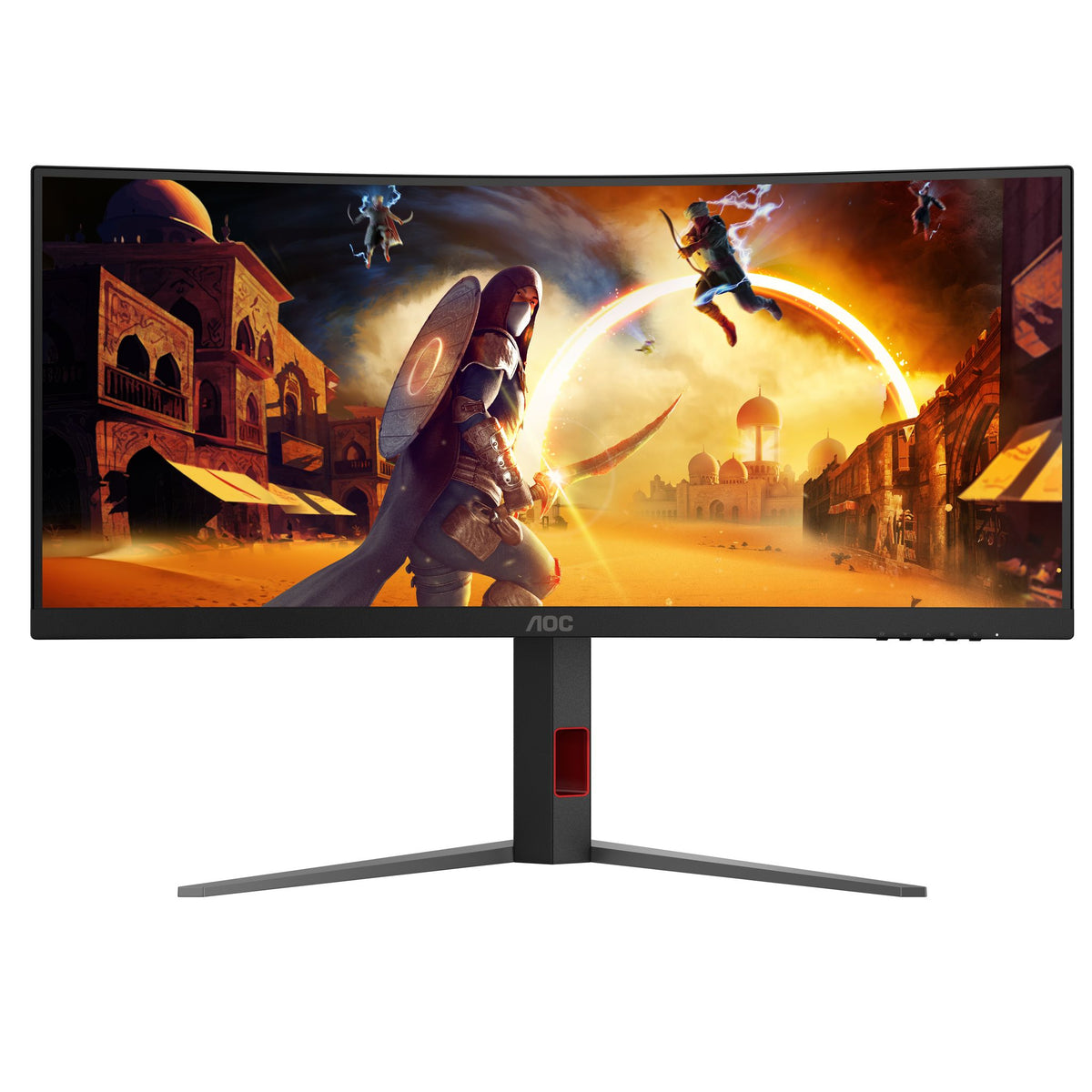
AOC CU34G4H 34" 200Hz 3K VA Curved Gaming Monitor HDR10

Regular price
Sale price $523.49 Regular price $594.00

LG

LG 39" UltraGear OLED 240Hz WQHD Curved Gaming Monitor 3440x1440 G-SYNC USB-C

Regular price
Sale price $2,045.12 Regular price $2,229.00

LG

LG 32" Curved FHD 100Hz Monitor 1920x1080 VA Gaming Freesync

Regular price
Sale price $244.98 Regular price $320.00

Samsung

Samsung Odyssey G55T 34" WQHD Curved 165Hz 1ms 21:9 Gaming Monitor DP HDMI

Regular price
Sale price $397.77 Regular price $689.00

Samsung

Samsung Odyssey G55C 32" QHD Curved 165Hz 1ms VA Gaming Monitor DP HDMI

Regular price
Sale price $500.01 Regular price $609.00

LG

LG UltraGear 45GX950A-B 45" 5K2K WUHD Curved OLED Gaming Monitor AMD

Regular price $3,599.00
Sale price Regular price

AOC Monitors

AOC AGON AG493UCX2 49" DQHD Curved 360Hz VA Gaming Monitor DP HDMI USB Hub

Regular price
Sale price $1,569.74 Regular price $1,609.00

MSI

MSI MAG 342CQRF 34" UWQHD 200Hz Curved VA Gaming Monitor HDMI DP Black

Regular price $429.00
Sale price Regular price

AOC Monitors

AOC AGON AGP346UCSD 34" 360Hz 3K Curved OLED Gaming Monitor HDR500 DP/HDMI/USB-C

Regular price
Sale price $2,201.13 Regular price $2,643.00

MSI

MSI MAG 275CF X24 27" FHD 240Hz 1500R Curved VA Gaming Monitor HDMI DP Black

Regular price
Sale price $175.99 Regular price $209.00

Philips

Philips Evnia 49M2C8900L 49" 144Hz Curved QD-OLED Gaming Monitor AmbiGlow

Regular price $1,899.00
Sale price Regular price

Philips

Philips EVNIA 32M1C3200WL 31.5" FHD 240Hz Curved Gaming Monitor VA 1500R HDMI

Regular price $405.00
Sale price Regular price

Samsung

Samsung Odyssey G55C 27" QHD Curved 165Hz 1ms VA Gaming Monitor DP HDMI

Regular price
Sale price $203.68 Regular price $349.00

AOC Monitors

AOC 27" 2K Curved 180Hz 0.5ms Adaptive Sync HDMI DP Gaming Monitor

Regular price
Sale price $317.11 Regular price $419.00

Samsung

Samsung Odyssey G55C 32" QHD Curved 165Hz 1ms VA Gaming Monitor DP HDMI

Regular price
Sale price $375.05 Regular price $394.90

Which curved gaming monitors do you actually need?

Start with resolution and size, because they decide how hard your GPU has to work. Refresh rate and panel type come second.

The entry tier is Full HD on a VA panel. The LG 32" Curved FHD at 100Hz is the gentle end, and the MSI MAG 275CF X24 (27", 240Hz, 1500R) and Philips EVNIA 32M1C3200WL (31.5", 240Hz, 1500R) are the fast ones. Full HD at 27 inches looks fine. Stretch it across 32 inches and you'll see pixel structure at normal desk distance. These suit esports-style play on a modest graphics card, where frame rate matters more than sharpness.

The sweet spot is a 34" ultrawide at 3440 x 1440 on a VA panel. The LG UltraGear 34G600A-B (160Hz), Samsung Odyssey G55T (165Hz), MSI MAG 342CQRF (200Hz) and AOC CU34G4H (200Hz) all live here. You get a lot more horizontal view, a pixel count most mid-range GPUs can drive at high frame rates, and VA contrast that beats a typical IPS. If you'd rather stay 16:9, the Samsung Odyssey G55C 32" is a QHD curved option at 165Hz.

The enthusiast tier is OLED and super ultrawide. The AOC AGON AGP346UCSD is a 34" 360Hz OLED, the LG 39" UltraGear OLED runs 240Hz, and the Philips Evnia 49M2C8900L is a 49" QD-OLED at 144Hz. For a very wide VA alternative there's the AOC AGON AG493UCX2, a 49" 32:9 at 360Hz. If that format appeals, our 49 inch super ultrawide monitors are worth a look side by side.

Diminishing returns start earlier than most people think. Going from 60 to 144Hz is huge. From 144 to 240Hz you'll feel it in fast shooters. Past that, you need a GPU and CPU that can actually deliver those frames, or the extra hertz is just a number on the box. Most people get more from a better panel at 165 to 200Hz than from chasing 360Hz on a VA screen.

What changes under the hood

Curvature is quoted as an R number, which is the radius of the imaginary circle the screen sits on, in millimetres. A 1000R screen is tighter than 1500R, and 1800R is gentler again. Tighter curves feel more immersive on a big screen at close range, but straight lines at the edges of spreadsheets or design work look more distorted. The Samsung Odyssey models are 1000R, the MSI and AOC VA models are mostly 1500R, and the LG 34G600A-B and AOC AGP346UCSD are 1800R. A tight curve on a small panel is mostly a gimmick, which is why it's the bigger and wider screens that carry it best.

Panel type is where the real trade-offs sit. VA gives strong contrast (the LG 34G600A-B is listed at 4000:1 and the AOC 27" at 5000:1), which is why dark scenes look richer than on a typical IPS. The cost is that dark transitions can smear when pixels are slow to change, and that's why makers push "1ms" claims, though those figures are measured under favourable conditions. OLED pixels switch themselves off and on, so black is properly black and motion is clean, and that's how the AOC AGP346UCSD can quote a 150000:1 contrast figure. The trade-off is that OLED can be dimmer in full-screen bright content and carries the usual care points around static images, so vary what's on screen and use the screen-saving features.

Adaptive sync is the other thing to match to your GPU. The Samsung, LG 34G600A-B and AOC panels use AMD FreeSync, and the LG 39" OLED is listed with NVIDIA G-Sync. In practice FreeSync-class panels commonly work with both GPU brands, but check the listing for your exact model if tear-free behaviour on an Nvidia card matters to you.

Resolution naming trips people up. "2K" and "QHD" mean 2560 x 1440 on 16:9 models. "3K" and "UWQHD" or "WQHD" on the 34" models mean 3440 x 1440. "DQHD" on the 49" AOC means two QHD screens' worth of width, a 32:9 shape. Not every game supports ultrawide and super ultrawide properly, so check your main titles before you commit. If razor sharpness is the priority over width, browse our 4K monitors too, though you'll find fewer curved options there.

On HDR, treat the badges with some scepticism. HDR10 on an LCD usually means it accepts the signal. Real impact needs strong local dimming or an OLED panel. The AOC AGP346UCSD's HDR500 label is a step toward proper HDR, and OLED handles it more convincingly than a basic VA screen.

Things to check before you buy

Measure your desk first. A 34" ultrawide is roughly the width of two 24" monitors side by side, and a 49" is wider again, so check the depth too, because curved monitors need space for the stand's feet. The tighter the curve, the more you want to sit within an arm's length.

If you plan to use a monitor arm, check the VESA pattern. The MSI MAG 342CQRF is listed at 75 x 75 mm, the LG 34G600A-B and AOC 27" at 100 x 100 mm, and the Samsung G55C 32" at 75 x 75 mm. Ultrawides are heavy and front-weighted, so check the arm's rated load as well as the hole pattern.

Cables matter at high refresh. As a rule, run DisplayPort for high-refresh gaming, because HDMI on a given monitor can cap the refresh rate or resolution depending on the version. Several of these listings are HDMI and DP, while the Samsung and LG 39" lines add other inputs. If you want one-cable laptop docking, the AOC AGP346UCSD and LG 39" OLED list USB-C. Don't assume a USB-C port will carry full power to a laptop, and check the specifics before relying on it.

Check your GPU honestly. Driving 3440 x 1440 at 200Hz is a very different job to 1080p at 240Hz. If you're running a modest card, dropping settings is cheaper than overbuying a monitor you can't feed.

Think about the room. Glossy OLED panels reflect bright windows more than a matte VA, so an unshaded room suits VA better. If you want sound without a separate setup, have a look at monitors with built-in speakers, though most gamers end up on a headset anyway. For a quick comparison of panel technologies in general, our LCD monitors page covers the ground VA and IPS sit on.

Finally, inspect everything on arrival. Check for stuck pixels, uneven backlight and any panel damage while you're still inside the return window.

Brands we stock

We carry AOC Monitors, MSI, Philips, LG and Samsung in curved gaming. AOC covers the widest span, from a 27" 1440p model up to the AGON 49" and OLED 34". MSI's MAG series focuses on fast VA panels at sensible prices. Philips Evnia mixes 240Hz Full HD with the 49" QD-OLED. LG gives you everything from a budget 32" to the 39" OLED, and Samsung's Odyssey G55 line sits firmly in the mid-range QHD and WQHD space.

Buying genuine Australian stock matters more than it sounds. It comes with local warranty support, so if something goes wrong you're dealing with a local process rather than posting a monitor overseas. Samsung even publishes a support notice about non-genuine products on its own pages, so it's worth buying from a proper local retailer.

Frequently asked questions

Is a curved monitor better for gaming than a flat one?

On larger and wider screens, generally yes, because the curve keeps the edges at a more consistent distance from your eyes. On a small 24" panel it makes little difference. For competitive play, the panel's speed matters more than the curve.

Is 34" ultrawide or 27" 16:9 better?

The 34" gives you more field of view in supported games and more room for multitasking, at 3440 x 1440. The 27" is easier to drive at high frame rates and works with every game. If your library is mostly competitive shooters, 27" is the safer pick.

Should I buy VA or OLED?

VA is better value and handles bright rooms well. OLED has superior motion clarity and black levels, but it costs more and needs a little care with static images. If your budget stretches, OLED is the biggest visual jump on this page.

Do I need 360Hz?

Only if your hardware can push those frame rates in