Which 49 inch super ultrawide monitors do you actually need?
A 49 inch super ultrawide is basically two 27 inch 1440p screens joined into one panel. The 5120x1440 resolution is two 2560x1440 displays side by side, which is why you'll see "Dual QHD" or "DQHD" on most of these. It's a lot of desktop, but the pixel density is the same as a 27 inch 1440p screen, so don't expect razor-sharp text like you'd get on a 4K monitor. What you're buying is width, not sharpness.
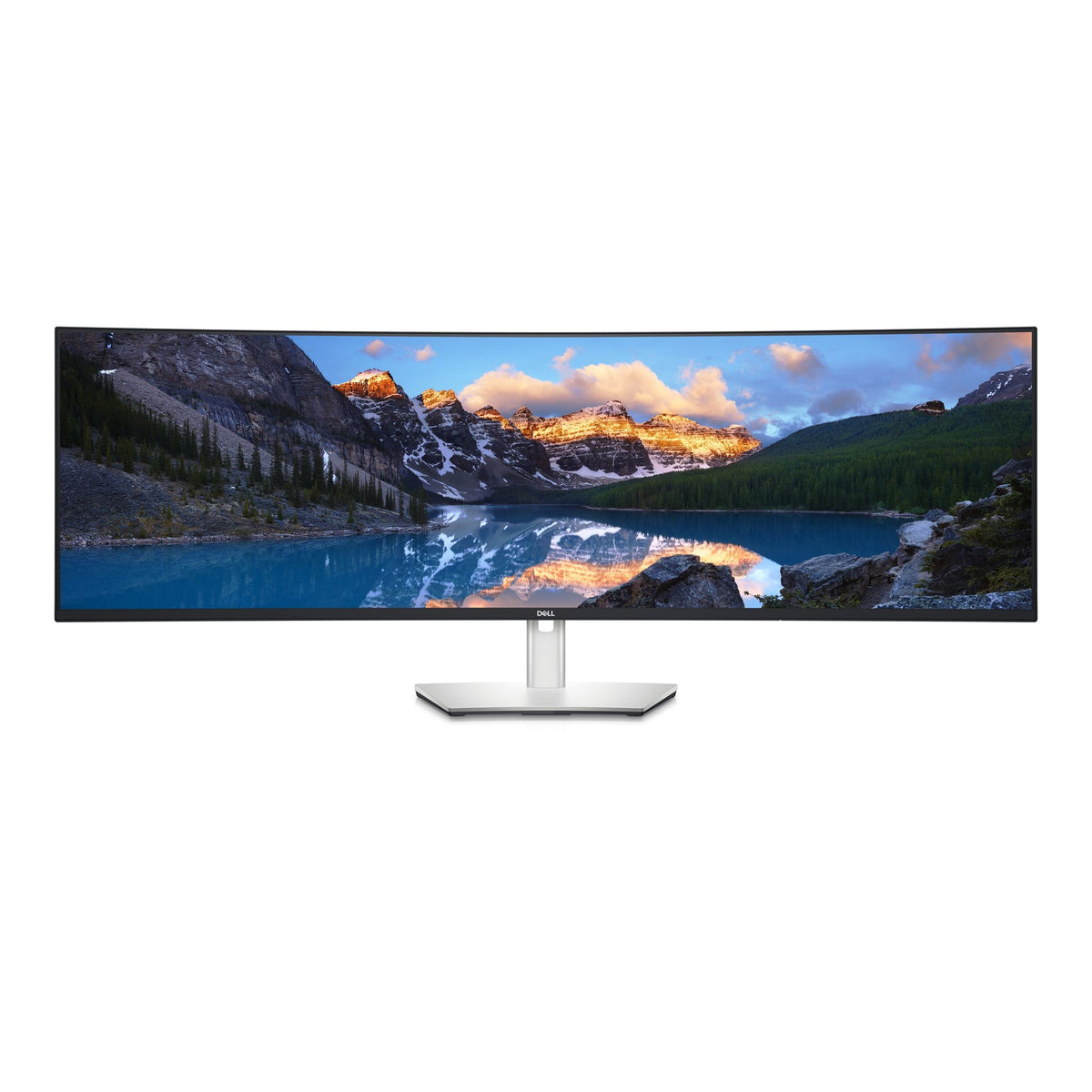
At the entry end, you're paying for productivity. The Dell UltraSharp U4924DW is a 60Hz IPS with USB-C, and the Lenovo ThinkVision P49W-30 is a 60Hz IPS with a USB-C hub. The Philips 49B2U is a 75Hz VA panel built around USB-C docking. These suit spreadsheets, timelines, code and a laptop on the side. Gaming on them works, but you'll notice the refresh rate if you're coming from a 144Hz screen.
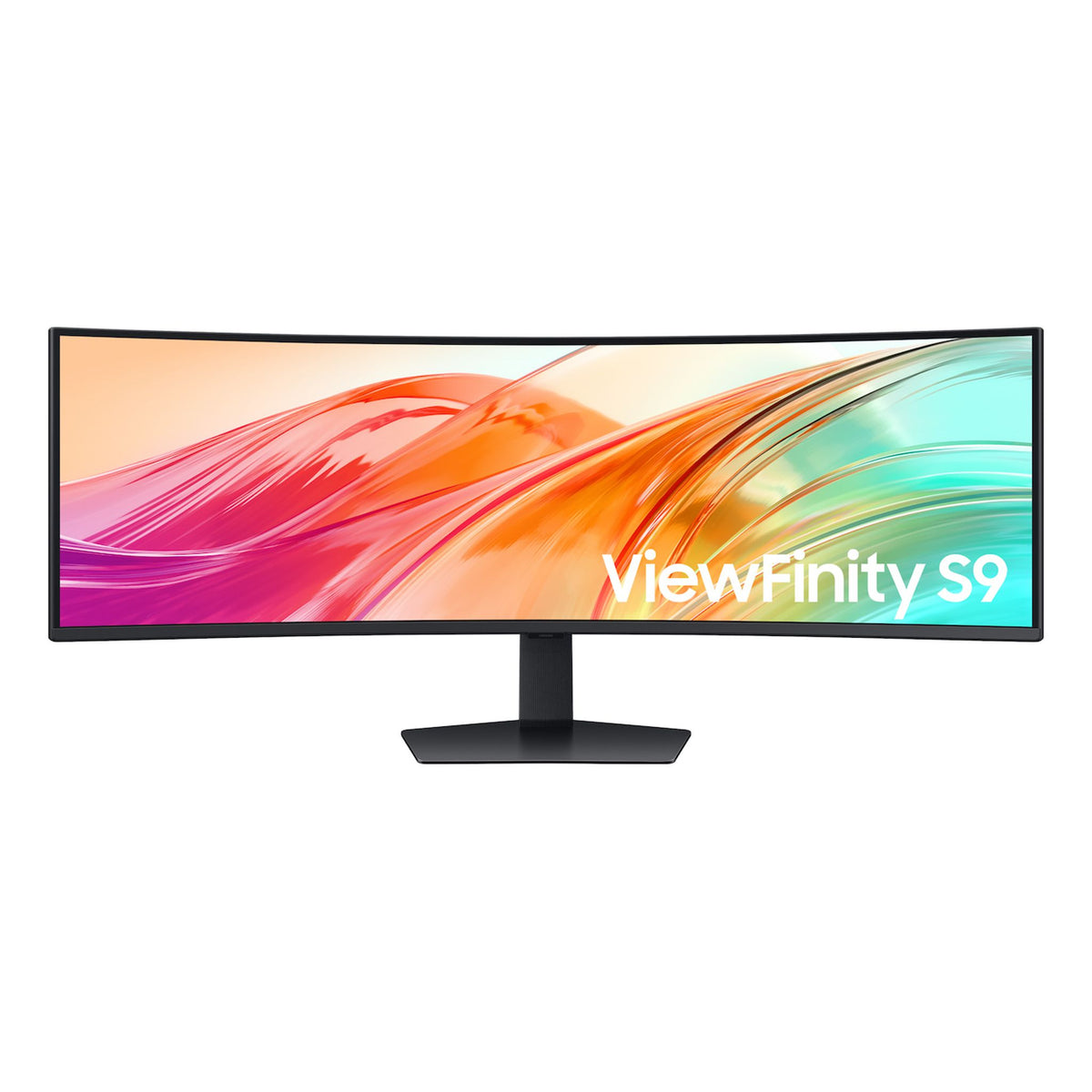
The sweet spot is where refresh rate and panel quality meet a sensible budget. The Samsung ViewFinity runs 120Hz on an IPS panel, and the AOC 49" 32:9 goes to 165Hz on VA with USB-C. If you split your time between work and games, this is where most people should look. For competitive play, the AOC AGON AG493UCX2 pushes a 360Hz VA panel.
The enthusiast tier is QD-OLED: the Philips Evnia 49M2C8900L and the MSI MPG 491CQP, both 144Hz. You get near-perfect blacks and fast pixel response, and that's what you're paying for. The LG 49U950A-W Nano IPS is a 144Hz option too, though it's currently out of stock.
Diminishing returns show up in two places. First, 360Hz at 5120x1440 is a big ask. Few GPUs will hold anywhere near that in modern games, so you're buying headroom you may never use. Second, the jump from IPS or VA to OLED is the most noticeable upgrade in this whole category, more than any refresh rate bump past about 144Hz. If you have the budget, spend it on the panel type before the extra hertz.
What changes under the hood
The panel technology is the biggest decision, because each type has a real engineering trade-off.
VA panels, like the Philips 49B2U and both AOC models, give you deeper blacks and better contrast than typical IPS, and they're usually cheaper at high refresh rates. The cost is slower pixel transitions in dark scenes, which can show up as smearing, and narrower viewing angles. On a screen this wide, that matters. You sit close, so the edges are viewed at an angle, and VA colour can shift slightly toward the sides.
IPS panels, like the Dell, Lenovo and Samsung, hold colour and brightness better across that width, and they suit photo and video work. The trade-off is lower contrast, so blacks look more grey in a dark room. The data lists the Samsung at 3000:1 typical, the Lenovo at 2000:1 and the LG Nano IPS at 1000:1, so the spread between IPS models is real.
QD-OLED lights each pixel individually, so black is genuinely off. Response is extremely fast and contrast is in a different league. The trade-offs are burn-in risk, which is why MSI lists OLED care features, and brightness that dips on large bright areas such as a white spreadsheet. If your day is mostly static documents with the same toolbars, think about that before choosing OLED as a work screen. For a mixed gaming and media setup, it's a strong choice.
Curvature is a number worth reading. The MSI, Dell, Philips 49B2U and Philips-class panels at 1800R curve more tightly than a gentle bend. The Samsung is 1000R, which is far more aggressive and wraps around you. A lower R number means a tighter curve. Tighter curves feel immersive at close range but can make straight lines look bowed when you're working. If you also want other curved options, our curved gaming monitors page covers the wider field.
The compatibility trap is bandwidth. 5120x1440 at high refresh is a lot of data. Your GPU's DisplayPort version, and the cable, decide whether you'll hit the advertised refresh rate. HDMI ports vary too, and older HDMI may cap you well below the headline number. The MSI's listing mentions HDMI 2.1 for console use, which matters if a PS5 or Xbox is in the mix. Check which port does what before assuming every input gives you full speed.
Finally, game support. Not every game handles 32:9 properly. Many do, but some stretch the image, crop the sides or lock the UI to the centre. Check the titles you play most. Most PC games are fine, and it's rarely a dealbreaker, but it's worth a search.
Things to check before you buy
Start with the desk. A 49 inch 32:9 screen is well over a metre wide, so measure your desk and check there's room for the stand's feet. Depth matters too. A curved panel sits further forward than you'd expect, and you want to be at a comfortable viewing distance from the middle of it.
If you're mounting on an arm, check the VESA pattern and the weight. The AOC 49" lists a 100 x 100 mm pattern, and the Lenovo lists 200 x 100 mm. Not every arm handles a screen this size, so look for one rated for large ultrawides, and make sure it supports the right pattern.
For cabling, bring the right cables. A DisplayPort cable that's too old or poorly made can cause dropouts at high refresh. For laptops, USB-C is the neat option, with one cable handling video, data and charging on models that support it. Check the monitor's USB-C power delivery against what your laptop needs. A Dell, Philips 49B2U or Lenovo can double as a dock, so you may skip a separate dock altogether. If you juggle two computers, the MSI's KVM feature lets you share one keyboard and mouse between them.
Think about your GPU. Running 5120x1440 takes roughly 78 percent more pixels than standard 1440p, and it's near the cost of 4K for GPU load. For high-refresh gaming, you want a capable card. If your graphics card is on the older side, a 75Hz or 120Hz model makes more sense than chasing a 165Hz or higher panel you can't feed.
Sound is easy to overlook. Most of these monitors skip decent speakers, so budget for a headset or desktop speakers. If you want built-in audio for a clean setup, take a look at monitors with built-in speakers.
Also check what's in the box and whether the screen is the right shape for your work. If you only need a plain workhorse and not the full super ultrawide experience, our LCD monitors cover smaller and flatter options.
For OLED, think about habits. Hide the taskbar, use a dark theme, and let the screen sleep when you're away. The built-in care features help, but the best protection is not leaving static content on screen all day.
Brands we stock
We stock Philips, LG, MSI, AOC Monitors, Dell, Lenovo and Samsung in this category. Philips covers both ends, from the 49B2U docking monitor to the Evnia QD-OLED. LG brings Nano IPS colour, with the 49U950A-W currently out of stock. MSI's MPG 491CQP is a QD-OLED with a KVM. AOC Monitors has two very different options, the 165Hz USB-C model and the fast AGON. Dell and Lenovo target productivity, and Samsung's ViewFinity sits between work and play.
Buying genuine Australian stock matters here. Local units come with Australian warranty support, so if something goes wrong with a screen this size, you deal with a local channel and not an overseas return. That's worth real money when the item is large and awkward to ship. If you want to browse beyond super ultrawides, the full monitors hub has everything.
Frequently asked questions
Is a 49 inch super ultrawide the same as two monitors?
Pretty much, in terms of desktop space. 5120x1440 is two 2560x1440 screens side by side, without a bezel in the middle. You can snap windows into halves or thirds with your operating system's tools or a window manager.
Do I need a powerful graphics card?
For gaming, yes, more than standard 1440p. The pixel count is much higher, so a mid-range card might need lower settings to reach 144Hz or above. For office work and video, almost any modern GPU is fine.
Is OLED worth it over IPS or VA?
For games and movies, it's the biggest visual upgrade in this category. For long days of static documents, an IPS like the Dell or Lenovo is the safer choice because there's no burn-in to manage.
Can I use one with a laptop?
Yes, if the monitor has USB-C, like the Dell, Lenovo, Philips 49B2U, AOC 49" and MSI. Check that your laptop's USB-C port supports video output and that the monitor's charging suits your machine.
Is 360Hz worth it at this size?
Only if you play fast competitive games and have a GPU that can get near that frame rate at 5120x1440. For most people, 144Hz to 165Hz is the better value.