Skip to content
Cart

Collection: 16GB Desktop RAM

Shop 16gb desktop ram in stock now at TechLoop, with fast Australia-wide delivery.

Compare (0/5)

59 products

G.Skill

G.SKILL F4-3600C16Q-64GTZRC 64GB 4x16GB DDR4 3600MHz 16-19-19-39 TZ R

Regular price
Sale price $979.39 Regular price $1,006.24

Lexar

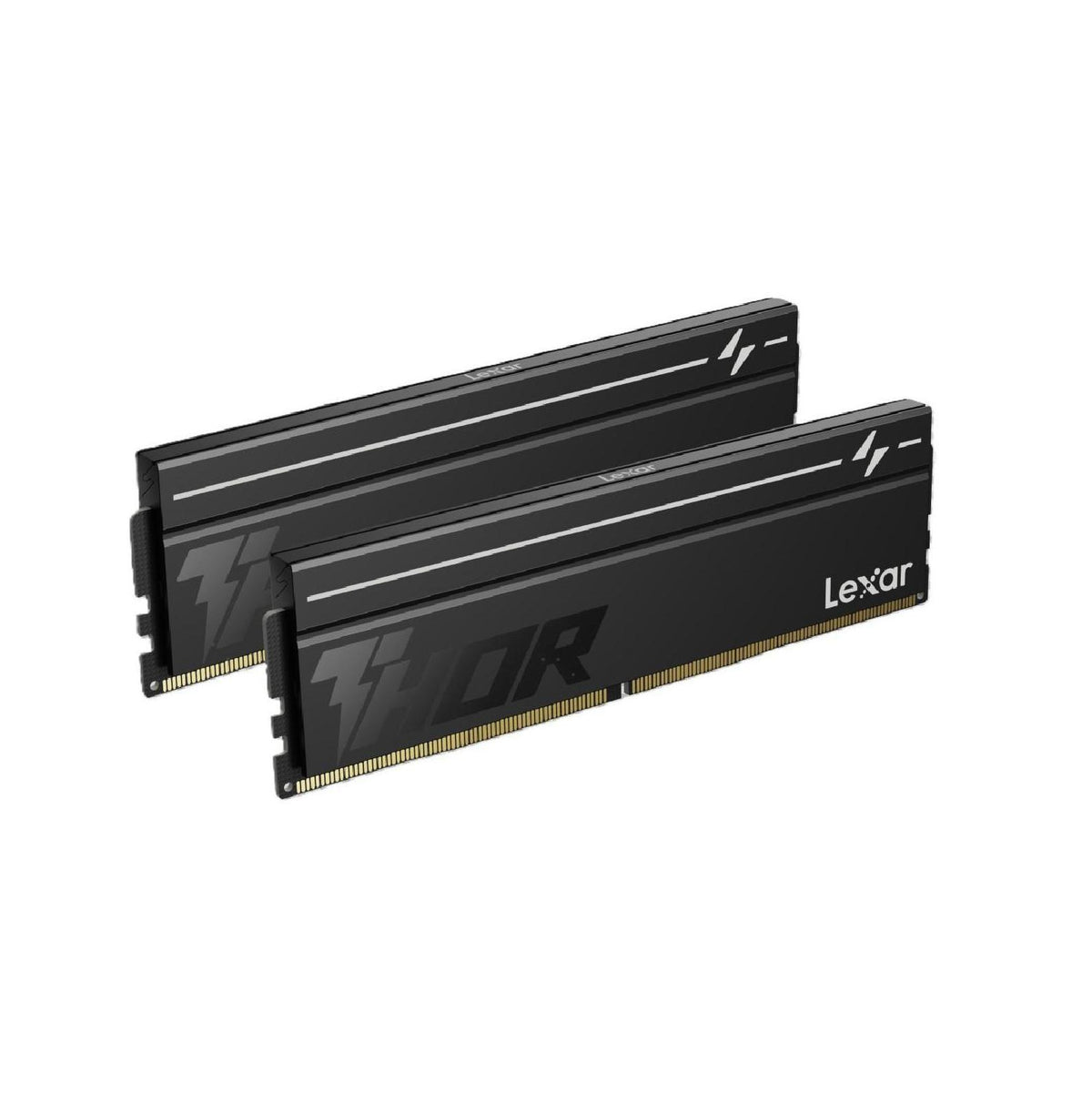
Lexar LD5U08G60C380V-RGD DDR5 16GB Kit 6000 MT/s CL38 THOR G2 OC Black

Regular price
Sale price $358.99 Regular price $419.00

G.Skill

G.SKILL F4-3600C16D-16GTZRC 16GB 2x8GB DDR4 3600MHz 16-19-19-39 TZ R

Regular price
Sale price $249.12 Regular price $299.00

Crucial

Crucial 16GB DDR4 3200MHz UDIMM Desktop RAM

Regular price
Sale price $259.93 Regular price $272.05

G.Skill

G.SKILL F4-3600C18D-16GTZRX 16GB 2x8GB DDR4 3600MHz 18-22-22-42 TZ R

Regular price
Sale price $241.17 Regular price $294.80

G.Skill

G.SKILL F4-3200C16D-16GVKB 16GB 2x8GB DDR4 3200MHz 16-18-18-38 Ripjaws V

Regular price
Sale price $221.86 Regular price $279.00

G.Skill

G.SKILL F4-3600C18D-16GVK 16GB 2x8GB DDR4 3600MHz 18-22-22-42 Ripjaws V

Regular price
Sale price $221.86 Regular price $259.00

G.Skill

G.SKILL F4-3600C18D-32GTZN 32GB 2x16GB DDR4 3600MHz 18-22-22-42 TZ Neo

Regular price
Sale price $473.88 Regular price $499.00

G.Skill

G.SKILL F4-3200C16D-16GTZR 16GB 2x8GB DDR4 3200MHz 16-18-18-38 Trident Z RGB

Regular price
Sale price $241.17 Regular price $299.00

G.Skill

G.SKILL F4-3600C18D-16GTZR 16GB 2x8GB DDR4 3600MHz 18-22-22-42 TZ R

Regular price
Sale price $241.17 Regular price $299.00

CORSAIR

Corsair Vengeance RGB 16GB DDR5 5200MT/s CL40 Memory Kit Black

Regular price
Sale price $431.85 Regular price $599.00

G.Skill

G.SKILL F4-3600C16D-32GVKC 32GB 2x16GB DDR4 3600MHz 16-19-19-39 Ripjaws V

Regular price
Sale price $475.01 Regular price $499.00

CORSAIR

Corsair Vengeance RGB 16GB 2x8GB DDR5 5200 CL40 1.25V XMP EXPO Grey Memory

Regular price
Sale price $431.85 Regular price $499.00

G.Skill

G.SKILL F4-3600C18D-32GTZR 32GB 2x16GB DDR4 3600MHz 18-22-22-42 Trident Z RGB

Regular price
Sale price $468.20 Regular price $499.00

G.Skill

G.SKILL F4-3600C18D-32GVK 32GB 2x16GB DDR4 3600MHz 18-22-22-42 Ripjaws V

Regular price
Sale price $448.89 Regular price $499.00

G.Skill

G.SKILL F4-3600C16D-32GTZNC 32GB 2x16GB DDR4 3600MHz 16-19-19-39 Trident Z Neo

Regular price
Sale price $500.01 Regular price $599.00

G.Skill

G.SKILL F5-6000J3636F16GX2-TZ5S 32GB 2x16GB DDR5 6000 MT/s 36-36-36-96 TZ5

Regular price
Sale price $950.99 Regular price $999.00

Lexar

Lexar LD5DU016G-B4800GSST 16GB DDR5 4800 MT/s UDIMM CL40

Regular price
Sale price $322.79 Regular price $399.00

Lexar

Lexar LD4A U016G-B2666GSST DDR4 16GB 2666 MT/s CL22 UDIMM

Regular price
Sale price $164.96 Regular price $199.00

Lexar

Lexar LD4BU008G-R3200GDXG DDR4 16GB Kit 3200 MT/s CL16 XMP 2.0 OC

Regular price
Sale price $218.99 Regular price $249.00

Which 16GB desktop RAM do you actually need?

Most PC builders land on 16GB because it's the cheapest way into a working modern system, and it's still fine for esports titles, office work, study and general browsing. The real question is how that 16GB is built and how fast it runs. On DDR5 platforms, the best layout is two 8GB sticks in dual channel. A single 16GB stick works, but you're running one memory channel's worth of bandwidth per module pair instead of two, and integrated graphics and some games feel that straight away.

Entry kits run at JEDEC-style speeds around 5200 to 5600 MT/s with relaxed timings. They're stable and cheap, but you're leaving bandwidth and latency on the table. The sweet spot is a 6000 MT/s kit at CL30 to CL36, which is where AMD AM5 Ryzen chips run best with their memory controller and fabric clock in sync. Enthusiast kits at 6400 to 8000+ MT/s add raw bandwidth, but real latency in nanoseconds barely improves if the CAS number climbs with the speed. That's where diminishing returns bite hard. Paying double for 7200 MT/s on a 16GB kit rarely shows up in frame rates, and it often makes stability harder.

The bigger honest point is capacity. 16GB is workable today, but modern games, browser tabs, Discord and background launchers add up quickly. If your budget stretches, 32GB in a 2x16GB kit is the more comfortable long-term buy. Pick 16GB when the budget is tight, the use is lighter, or you plan to add another matching kit later.

Upgrading and technical nuances

DDR5 is the standard on both current platforms, so check your Motherboards listing first. AM5 boards use AMD EXPO profiles, while Intel Core Ultra on LGA1851 boards uses XMP. Most kits work cross-platform, but a kit tuned for the matching profile tends to be less fussy. DDR4 and DDR5 are physically keyed differently, so you can't mix them, and upgrading usually means a new board and CPUs & Processors as well.

Under the hood, DDR5 modules carry their own power management chip and split each stick into two 32-bit subchannels. That's why two sticks matter even more than before. Chip type also matters. Kits using SK Hynix or Samsung ICs generally overclock better than budget Micron-based kits, although the retail label rarely tells you, so stick with established product lines.

For sweet-spot series, look at Corsair Vengeance, Kingston Fury Beast and G.Skill Ripjaws S5. They're sensible 6000 MT/s options with decent heatspreaders and stable XMP or EXPO profiles. Premium enthusiast lines like G.Skill Trident Z5, Corsair Dominator Titanium and Kingston Fury Renegade offer tighter binning, thicker heatspreaders and better ICs, but you only really benefit if you're tuning timings by hand.

Intel's newer platform can also handle faster memory formats, so higher speeds make more sense there than on AM5, where 6000 to 6400 is usually the practical ceiling. Also expect a longer first boot on DDR5 while the board runs memory training. That's normal, so don't panic and yank the power.

Practical things to check before buying

Start with height. Corsair Vengeance RGB modules stand around 51mm tall, which can foul a big air cooler. Kingston Fury Beast and G.Skill Ripjaws S5 are lower profile, so they're safer under tower coolers like Thermalright Peerless Assassin. Check the clearance listings in CPU Cooling and Fans, Heatsinks & Cooling. Arctic Liquid Freezer AIOs avoid the problem entirely, because the radiator sits away from the RAM slots, although the pump block can still be tight on some boards.

Then think about airflow. DDR5 runs warmer than DDR4 because the power management sits on the module, and a tall heatspreader is mostly cosmetic if your case is stuffy. A good front intake in your Computer Cases pick helps more than any fancy fins. Heatspreader thickness changes how heat moves off the chips, but airflow still decides the final temperatures.

Check the board's QVL list and update the BIOS before installing a new kit, especially on a fresh CPU generation. Fill the correct slots too. On a four-slot board, 2 sticks usually go in slots A2 and B2, which is in the manual. Four sticks of DDR5 usually drop the maximum stable speed, so two modules is the better path.

Finally, RAM isn't the only thing to match to your build. A fast kit won't rescue a weak Graphics Cards / GPU, and a quality Power Supplies unit, such as a Seasonic Focus or Corsair RMx, keeps the whole platform stable. If you're building around fast storage, pair the memory with a decent Solid State Drives (SSD) like a Samsung 990, Crucial T500 or WD_BLACK. If you're after a complete rig, browse Computers instead.

Brands and local warranty

For Desktop Memory, the reliable names are Corsair, Kingston, G.Skill, Crucial and TeamGroup. They all have mature validation processes and reasonable support. Lifetime warranties are common on RAM, but the value depends on who actually handles the claim in Australia.

Local warranty matters because memory faults are annoying to diagnose. A stick can pass a quick boot, then throw errors under load. With Australian stock, you deal with a local channel under Australian Consumer Law, rather than paying international postage and waiting weeks on a grey import. Keep your invoice, and test with MemTest86 before blaming the CPU or board. Always buy from a seller who lists the exact model number, because kits get silently revised with different ICs.

Frequently asked questions

Is 16GB of RAM enough today?

For general use, study and most esports or mid-range gaming, yes. For heavy multitasking, streaming, content creation or newer open-world games, 32GB is more comfortable. If you're buying 16GB now, make sure your board has spare slots so you can expand later.

Should I buy one 16GB stick or two 8GB sticks?

Two 8GB sticks in dual channel give you better bandwidth, and that helps gaming and integrated graphics. A single 16GB stick makes sense only if you want an easy upgrade path to 32GB by adding a second matching stick. Even then, a matched kit is easier on stability.

Is faster RAM worth the extra money?

Up to 6000 MT/s with CL30 to CL36, usually yes, especially on AM5. Beyond that, the real-world gains shrink quickly, particularly if you're GPU limited. Spend the difference on the GPU or storage first.

Can I mix different RAM kits?

You can, but it's a gamble. Different ICs, speeds or timings force the system to run at the slowest settings, and sometimes it won't boot at all. Buy a single kit for best results.

Will my RAM work with my motherboard?

If it's DDR5 and fits your board's supported speed, it should. Check the QVL and update the BIOS first. Mixing XMP and EXPO kits across platforms usually works, but you may need to set speeds manually.