Skip to content
Cart

Collection: Computer Monitors

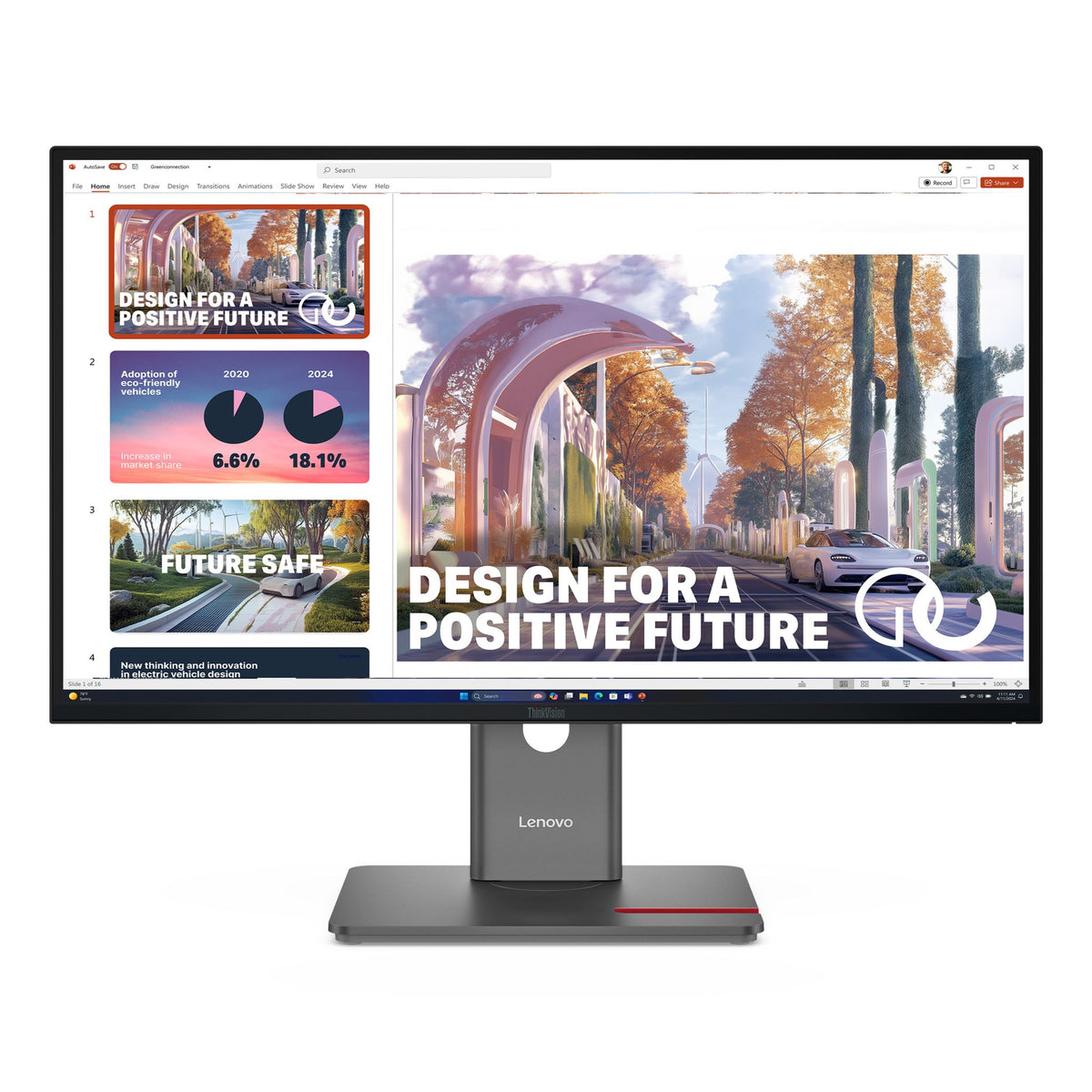
Right, so you're after a new computer monitor. Some of these big screens will eat up half your desk space, and those tiny ones might leave you squinting. The Lenovo ThinkVision T32UD-40 is a beast at 32 inches, great for getting serious work done, but you'll need the room for it. If you're chasing refresh rates for your games, an AOC monitor like the AG276QZD2 offers 280Hz, but that OLED panel comes at a price. For everyday grunt work, a Philips USB-C monitor like the 27B2U3601 will get the job done without breaking the bank. Whatever you pick, make sure it’s compatible with your computer. Genuine stock, local warranty.

Compare (0/5)

364 products

LG

LG 24" Full HD IPS 1920x1080 100Hz Monitor

Regular price
Sale price $158.99 Regular price $199.00

Lenovo

Lenovo ThinkVision T32p-30 32" UHD 4K IPS Monitor DP HDMI USB-C Hub VESA Adjustable

Regular price
Sale price $799.91 Regular price $939.00

HP

HP Series 5 524DA 23.8" 100Hz FHD IPS Anti-Glare Monitor HDMI VGA

Regular price
Sale price $168.99 Regular price $299.00

HP

HP 324PF 23.8" 100Hz FHD IPS Business Monitor Anti-Glare DP HDMI VGA

Regular price
Sale price $173.99 Regular price $249.00

AOC Monitors

AOC 27" QHD 180Hz 0.3ms HDR400 Fast IPS HDMI DP Gaming Monitor

Regular price
Sale price $229.81 Regular price $239.98

AOC Monitors

AOC 27" QHD 260Hz IPS Gaming Monitor DP 1.4 HDMI 1.07B Colors Adjustable Stand

Regular price
Sale price $431.65 Regular price $436.00

AOC Monitors

AOC 27B36X 27" IPS FHD 144Hz 0.5ms MPRT HDMI DP Monitor

Regular price
Sale price $150.29 Regular price $209.00

Lenovo

Lenovo ThinkVision P27QD-40 27" QHD IPS 16:9 Monitor USB-C Hub DP HDMI

Regular price
Sale price $602.24 Regular price $719.00

Samsung

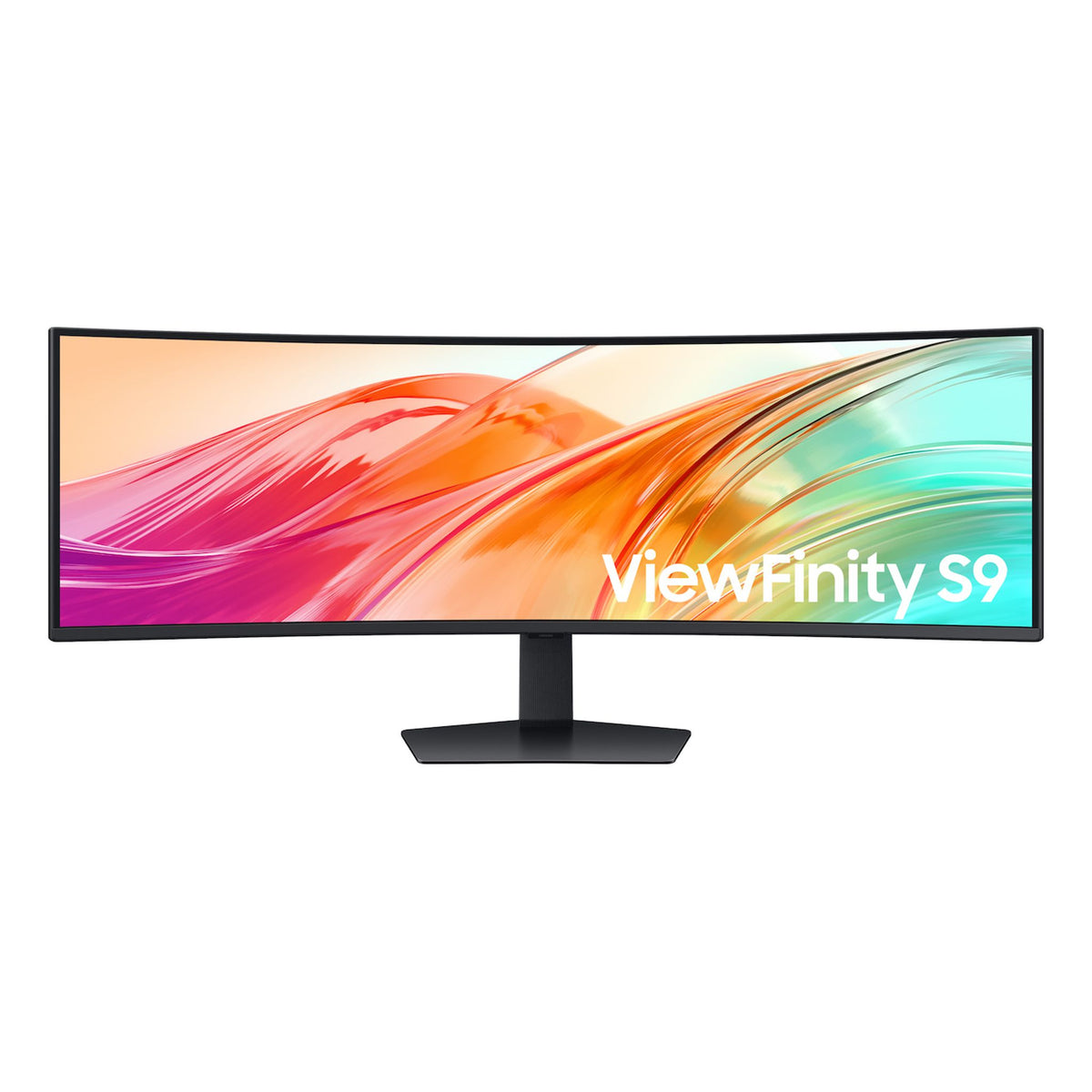
Samsung ViewFinity 49" Dual QHD 5120x1440 32:9 1000R VESA DisplayHDR 400 Monitor

Regular price
Sale price $1,362.39 Regular price $1,719.00

ViewSonic

ViewSonic TD2465 24" PCAP POS Retail Monitor Wet Multi-Glove Touch

Regular price $880.00
Sale price Regular price

ViewSonic

ViewSonic TD2455 24" In-Cell 10-Point Touch Monitor USB-C Input POS Monitor

Regular price $1,099.00
Sale price Regular price

HP

HP OMEN 27" FHD 240Hz Gaming Monitor

Regular price $342.49
Sale price Regular price

HP

HP OMEN 32" QHD 200Hz Gaming Monitor

Regular price $552.48
Sale price Regular price

HP

HP OMEN 24" FHD 144Hz Gaming Monitor

Regular price $199.00
Sale price Regular price

HP

HP OMEN 24" FHD 240Hz Gaming Monitor

Regular price $269.00
Sale price Regular price

CORSAIR

Corsair XENEON EDGE 14.5" LCD Touchscreen 2560x720@60Hz HDMI/USB-C 5-Pt Touch

Regular price $415.00
Sale price Regular price

CORSAIR

Corsair XENEON EDGE 14.5" LCD Touchscreen Black

Regular price
Sale price $412.53 Regular price $415.00

CORSAIR

Corsair XENEON EDGE 14.5" LCD Touchscreen 2560x720@60Hz HDMI/USB-C 5-Point Touch White

Regular price $415.00
Sale price Regular price

MSI

MSI 27" QHD 75Hz IPS Monitor DP 2HDMI

Regular price $143.00
Sale price Regular price

Philips

Philips 23.8" FHD 60Hz IPS Touch Monitor with Speakers DP/HDMI/DVI/VGA

Regular price $543.61
Sale price Regular price

Which computer monitor do you actually need?

Most PC builders spend weeks on the CPU and GPU, then grab whatever panel is on special. That's backwards, because a computer monitor is the part you stare at for thousands of hours, and it decides whether your expensive graphics card is actually doing anything useful. The tiers differ in the panel itself, not just the numbers on the box.

Entry-level monitors are usually 1080p or 1440p IPS or VA panels at 60 to 100Hz. IPS gives good colour and viewing angles but typically sits around 1000:1 contrast, so blacks look grey in a dark room. VA pushes contrast to 3000:1 or more, which is great for movies, but slower pixel transitions can leave smearing in dark scenes. Sweet-spot monitors are 1440p at 144 to 240Hz with fast IPS or a decent VA, proper overdrive tuning and basic HDR support. Enthusiast models bring OLED or mini-LED, where each pixel (or a dense zone of backlight) can dim independently, so contrast jumps by orders of magnitude and pixel response drops to a fraction of a millisecond.

Diminishing returns kick in on refresh rate first. Going from 60Hz to 144Hz is huge, 144Hz to 240Hz is noticeable if you play competitive shooters, and anything beyond that needs a GPU and CPU that can actually feed it. Resolution is next: 4K looks sharp on a 27 to 32 inch panel, but it demands roughly double the GPU grunt of 1440p. Browse our Monitors range with your actual games and workload in mind, not the peak spec.

Upgrading and technical nuances

Panel technology is where the real engineering trade-offs sit. Fast IPS panels such as those in the LG UltraGear and ASUS TUF Gaming lines offer a solid all-rounder balance. Samsung Odyssey and MSI MAG VA models give deeper blacks at a lower price, though you should check reviews for dark-scene smearing. QD-OLED and WOLED options, like the Alienware and ASUS ROG Swift OLED families, deliver near-instant response and true blacks, but they use organic pixels that can wear unevenly. Static UI elements like taskbars and HUDs are the risk, so look for pixel-shift, panel care routines and a warranty that explicitly covers burn-in.

Mini-LED sits in between. Local dimming zones lift peak brightness well above OLED, which makes HDR highlights punchy, but with fewer zones you'll see blooming around bright objects on dark backgrounds. Zone count matters more than the "HDR1000" sticker. A monitor with a few dozen zones can claim HDR but still look washed out.

Connectivity is the common compatibility trap. High refresh rate 4K needs DisplayPort 1.4 with DSC, DisplayPort 2.1 or HDMI 2.1 to run properly. Check that your Graphics Cards / GPU has matching outputs, because some older cards will cap at 4K 60Hz over HDMI 2.0. Variable refresh rate also matters: G-Sync Compatible and FreeSync Premium both work across current NVIDIA and AMD cards, but OLED panels can show slight brightness flicker when frame rates swing wildly in menus and loading screens.

Match the panel to the rest of the system. A 1440p 240Hz display makes sense with a mid-range GPU and a modern platform from our CPUs & Processors and Motherboards ranges. If you're buying a full rig, check our Computers section for sensible pairings.

Practical things to check before buying

Start with your desk. A 32 inch panel sits much closer to your face than you think, and a 34 inch ultrawide at 1440p is about 800mm wide. Measure your desk depth, and aim for roughly 600 to 800mm viewing distance. Curved panels in the 1000R to 1800R range suit ultrawides, while flat is better for shared screens and precise creative work.

Check the stand and mounting. Many budget monitors have tilt-only stands, so if you want height adjustment, look for one with a 100x100mm VESA mount and run it on a monitor arm. Confirm the arm's weight rating against the panel, since big OLEDs and ultrawides can be heavier than they look.

Cabling is another gotcha. The cable in the box may not support the monitor's top refresh rate, particularly with HDMI. Use a certified DisplayPort or HDMI 2.1 lead from our Cables & Connectors range, and keep runs short, because long passive cables are a common cause of black screens and dropouts at 4K high refresh.

Think about heat and power. OLED and mini-LED panels in HDR can pull a fair bit more power and run warm, so give them airflow behind the panel and avoid enclosing them in a hutch. If you run a compact build with a short desk, check that your Computer Cases layout and cable ports line up with where the monitor sits.

Finally, look at the pixel policy. Some brands accept a return only with several dead pixels, others with one or two. It's worth reading before you click buy, and testing the panel thoroughly in the first week.

Brands and local warranty

Reputable names to look for include LG UltraGear, Samsung Odyssey, ASUS (TUF Gaming and ROG Swift), MSI (MAG and MPG), Gigabyte (AORUS and M series), AOC and Philips, Dell (UltraSharp for colour work, Alienware for gaming), BenQ for colour accuracy and eye-care features, and Acer (Nitro and Predator). Each tends to lean in a direction, so pick the one that matches your use.

Genuine Australian warranty matters more with monitors than most parts. They're bulky, fragile and expensive to ship overseas, and grey imports often leave you with no local support. Under Australian Consumer Law you have guarantees that apply regardless of the brand's own policy, but a local warranty means a straightforward repair or replacement path. For OLED, read the burn-in terms carefully, since coverage periods vary a lot between manufacturers.

Frequently asked questions

Is 4K worth it over 1440p for gaming?

It depends on your GPU and screen size. At 27 inches, 1440p is sharp and much easier to drive at high frame rates. At 32 inches and above, 4K looks noticeably cleaner, but you'll need a high-end graphics card or be happy with upscaling to hold decent frame rates.

Do I need a 240Hz or higher refresh rate?

Only if your system can consistently deliver those frame rates and you play fast competitive games. For most people, 144 to 180Hz is the real sweet spot, and the jump beyond that costs far more than it gives back.

Is OLED safe for desktop use?

Yes, if you're sensible. Use dark mode, auto-hide the taskbar, let the panel run its refresh cycles and choose a model with burn-in coverage. Heavy productivity use with static windows for many hours a day is where a mini-LED or IPS is the safer bet.

Will any cable work with my monitor?

No. The cable has to support the bandwidth for your resolution and refresh rate. Use a certified DisplayPort cable or a proper HDMI 2.1 lead, and make sure the GPU port supports the same standard.

Should I buy a monitor with HDR?

Look for real HDR performance, not just a badge. Without high peak brightness and local dimming or OLED pixel-level control, HDR on a basic panel often looks worse than standard mode.