Skip to content
Cart

Collection: 1440p & QHD Monitors

1440p (QHD / 2560x1440) is the undisputed gold standard for PC monitors. It delivers nearly 78% more screen real estate and visual fidelity than standard 1080p without demanding a monstrous GPU to maintain triple-digit frame rates. On a 27" or 32" panel, pixel density sits right in the sweet spot—text is sharp, game assets are clean, and you avoid the scaling quirks that can plague native 4K screens in Windows. Our 1440p range features rapid Fast IPS panels pushing 144Hz to 240Hz, deep-contrast curved VA displays, and cutting-edge QD-OLED hardware from AOC, LG, ViewSonic, and Samsung. Stepping up your frames? Explore our 240Hz monitors or browse our 27 inch gaming monitors. Dispatched fast from local Australian warehouses.

Compare (0/5)

119 products

Samsung

Samsung ViewFinity S60D 23.8" QHD 100Hz IPS Monitor USB-C Hub DP1.4 HDMI HDR10

Regular price
Sale price $379.59 Regular price $479.00

AOC Monitors

AOC 27" 260Hz QHD Fast IPS Gaming Monitor DP HDMI

Regular price
Sale price $335.29 Regular price $399.00

HP

HP Series 5 Pro 27" 100Hz QHD IPS Monitor 2560x1440 DP HDMI USB VESA Adjustable

Regular price
Sale price $431.85 Regular price $549.00

AOC Monitors

AOC 27" QHD 180Hz 1ms VA 5000:1 HDR Monitor DP 1.4 HDMI Tilt Adjustable

Regular price
Sale price $434.12 Regular price $519.00

Samsung

Samsung Odyssey G55C 32" QHD Curved 165Hz 1ms VA Gaming Monitor DP HDMI

Regular price
Sale price $500.01 Regular price $609.00

Lenovo

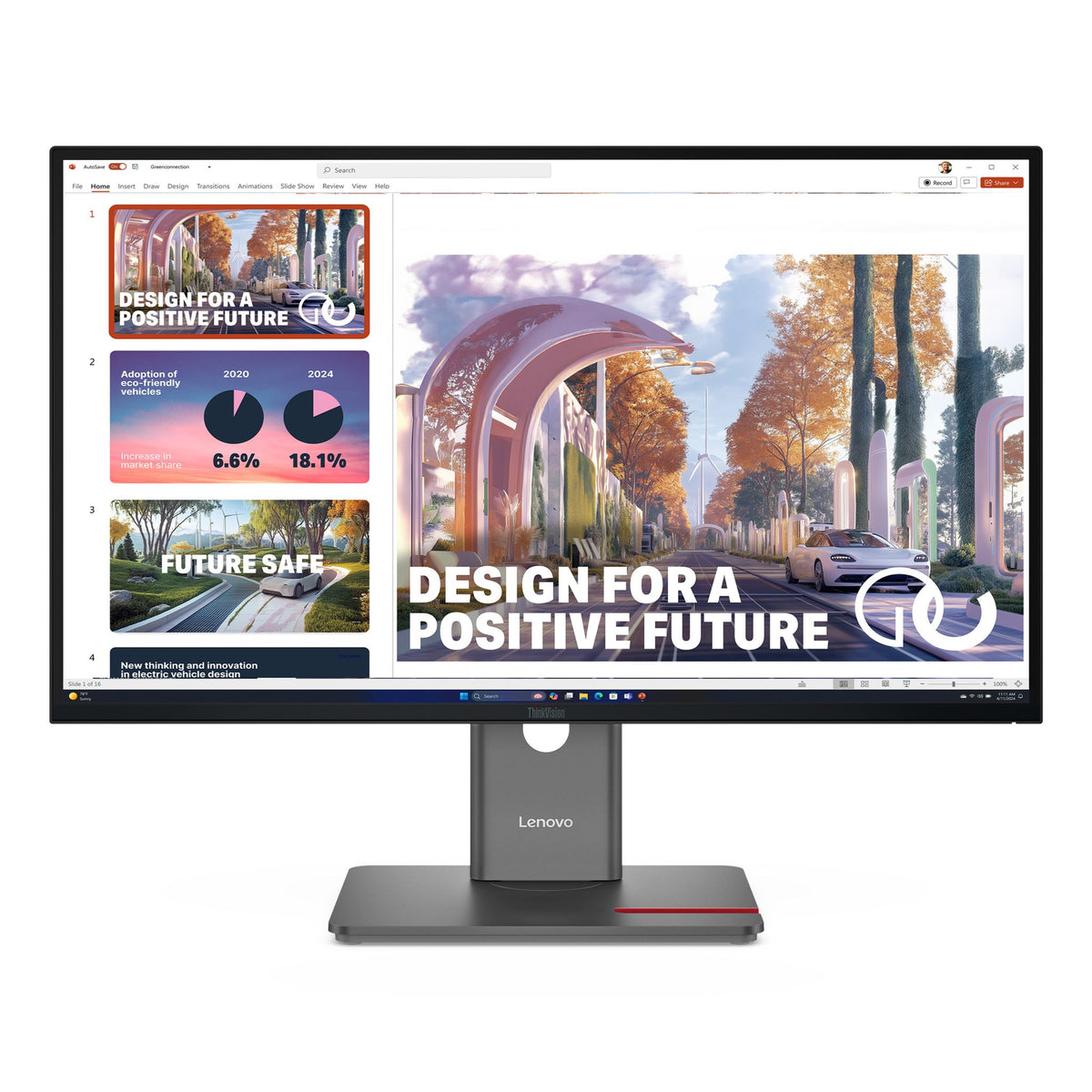
Lenovo ThinkVision T34WD-40 34" WQHD 120Hz Curved 21:9 USB-C Dock 100W PD DP

Regular price
Sale price $561.35 Regular price $899.00

HP

HP P34hc G4 34" WQHD Curved 21:9 USB-C (65W) DP HDMI Monitor

Regular price
Sale price $642.99 Regular price $771.01

HP

HP Series 5 Pro 27" 100Hz QHD Monitor 2xDP HDMI USB-C VESA Adjustable

Regular price
Sale price $640.87 Regular price $949.00

HP

HP Series 7 Pro 27" 2K QHD IPS Thunderbolt Monitor HDMI DP USB-C VESA

Regular price
Sale price $606.79 Regular price $949.21

Lenovo

Lenovo ThinkVision P49W-30 49" Dual QHD IPS 5K Monitor DP HDMI USB-C Hub VESA Adjustable

Regular price
Sale price $2,043.99 Regular price $2,499.00

AOC Monitors

AOC 49" Curved 32:9 DQHD 165Hz Adaptive Sync HDR Monitor HDMI DP USB-C

Regular price
Sale price $1,398.74 Regular price $1,609.00

AOC Monitors

AOC 34" WQHD Curved Monitor 120Hz 1ms VA HDMI DP

Regular price
Sale price $344.37 Regular price $459.00

Lenovo

Lenovo ThinkVision P27QD-40 27" QHD IPS 16:9 Monitor USB-C Hub DP HDMI

Regular price
Sale price $602.24 Regular price $719.00

Samsung

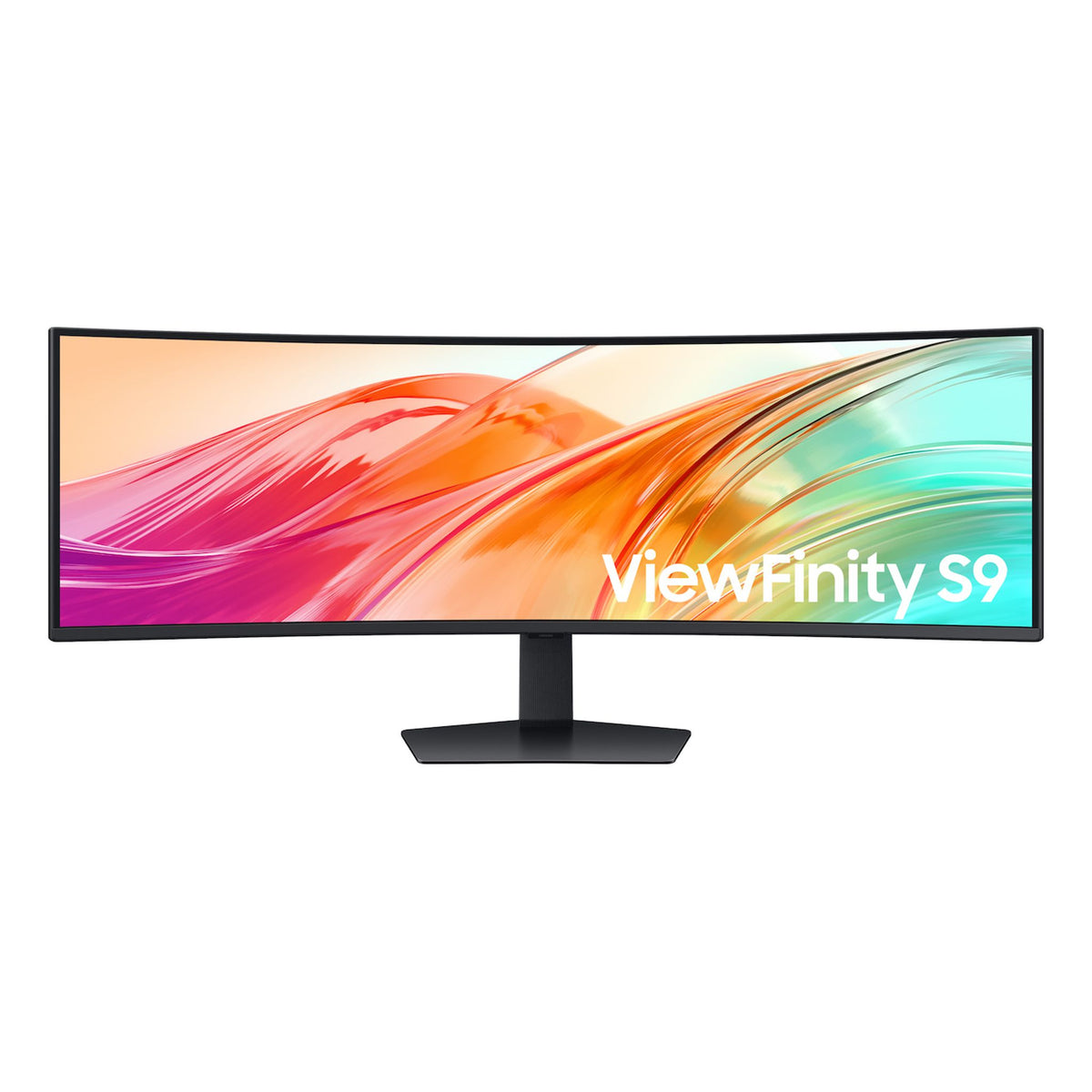
Samsung ViewFinity 49" Dual QHD 5120x1440 32:9 1000R VESA DisplayHDR 400 Monitor

Regular price
Sale price $1,362.39 Regular price $1,719.00

AOC Monitors

AOC 27" QHD 260Hz IPS Gaming Monitor DP 1.4 HDMI 1.07B Colors Adjustable Stand

Regular price
Sale price $431.65 Regular price $436.00

AOC Monitors

AOC 27" QHD 180Hz 0.3ms HDR400 Fast IPS HDMI DP Gaming Monitor

Regular price
Sale price $229.81 Regular price $239.98

Lenovo

Lenovo ThinkVision E27Q-40 27" QHD IPS 100Hz Monitor 2560x1440 2xHDMI DP VESA Adjustable

Regular price
Sale price $278.99 Regular price $359.00

MSI

MSI MAG 325QF E18V 32" WQHD 180Hz VA Gaming Monitor HDMI DP Black

Regular price $329.00
Sale price Regular price

LG

LG 34" UltraWide WQHD Curved 144Hz Monitor 3440x1440 HDR10 2xHDMI DP 1.4

Regular price
Sale price $448.89 Regular price $599.00

MSI

MSI MP275QPG 27" QHD 100Hz IPS Business Monitor HDMI DP Speakers Adjustable VESA

Regular price $329.00
Sale price Regular price

Which 1440p monitor do you actually need?

Most PC builders land on 1440p because it's the sharpest balance between pixel density and GPU load. At 27 inches it sits around 109 pixels per inch, which looks crisp on a normal desk, and it asks for far less grunt than 4K. The real decision is the panel technology and refresh tier, because that is where prices split.

Entry-level 1440p monitors are usually fast IPS or VA panels at 144Hz to 180Hz. IPS gives you better viewing angles and colour consistency, but native contrast sits around 1000:1, so blacks look grey in a dark room. VA panels push contrast to 3000:1 or more, which makes dark scenes richer, but slower pixel transitions can leave smearing in dark gradients. Sweet-spot monitors are typically 165Hz to 240Hz fast IPS with properly tuned overdrive, so you get low response times without the inverse ghosting that cheap overdrive causes.

Enthusiast tiers are mostly OLED (QD-OLED or WOLED) at 240Hz to 360Hz. OLED pixels emit their own light, so contrast is effectively infinite and pixel response is a fraction of a millisecond. The trade-offs are lower full-screen brightness, text fringing on some subpixel layouts, and burn-in risk if you leave static desktop elements up all day. Mini-LED sits in between, with local dimming zones for HDR punch, but you'll see some blooming around bright objects.

Diminishing returns hit hard past 240Hz unless you play competitive shooters and your frame rate actually reaches it. A 165Hz fast IPS looks worlds better than a 60Hz panel, but going from 240Hz to 360Hz is a much smaller jump.

Upgrading and technical nuances

Your Graphics Cards / GPU decides how much refresh rate you can use. Hitting 165fps at 1440p in demanding titles needs a current upper-midrange card, while esports titles are happy on far less. Pair it with a capable chip from CPUs & Processors, because at 1440p high refresh the CPU often becomes the limiter in competitive games.

Connectivity is a common trap. DisplayPort 1.4 handles 1440p at 240Hz using Display Stream Compression, which is visually fine for most people but can disable some features on certain monitors, like running multiple outputs or certain scaling modes. HDMI 2.1 gives more headroom, which matters for consoles. Some budget monitors ship with HDMI 2.0 only, which caps 1440p around 144Hz. Check the spec sheet, not just the port shape.

For HDR, ignore plain "HDR supported" labels. DisplayHDR 400 on an edge-lit IPS panel does very little. You want DisplayHDR 600 or higher on mini-LED, or True Black certifications on OLED, to get a real lift.

For benchmark series, look at the ASUS TUF Gaming and MSI MAG lines for value fast IPS, then step up to ASUS ROG Swift, Gigabyte AORUS and LG UltraGear for premium tuning. Dell Alienware and Samsung Odyssey OG lines cover the OLED end. If you do colour work too, Dell UltraSharp and BenQ's designer range prioritise factory calibration over raw speed.

Practical things to check before buying

Size and desk depth come first. A 27 inch panel is comfortable at an arm's length, while 32 inch 1440p drops to about 93 pixels per inch, so text looks softer unless you sit further back. Measure your desk and check the stand footprint. Many monitors have wide tripod feet that clash with keyboards and speakers. A VESA 100x100 mount lets you swap to an arm and reclaim space.

Check ergonomics too. Tilt-only stands are common on budget units, while height adjustment, swivel and pivot are worth paying for if you sit for hours. Cable quality matters at high refresh. Use the DisplayPort cable in the box or a certified DP 1.4 cable from Cables & Connectors, because dodgy cables cause black screens and dropouts at 240Hz.

If you're building around the monitor, a good Computer Cases pick and tidy airflow keep your GPU boosting steadily, which keeps frame rates smooth. Check that your card has the right outputs, as most current cards carry DisplayPort 1.4 or newer plus HDMI 2.1. Also see what's available in Monitors for stand and panel specs side by side.

For OLED, check the burn-in coverage and the panel's maintenance features, like pixel shifting and refresh cycles. For all panels, look up the dead pixel policy. Some brands only replace a unit if you have several faulty pixels, so read the fine print.

Brands and local warranty

Reputable names include ASUS, MSI, Gigabyte, LG, Samsung, Dell, AOC, BenQ and Acer. All have strong 1440p lineups, but their policies differ, especially on pixel faults and OLED burn-in.

Buying through an Australian retailer means the warranty is handled locally. Under Australian Consumer Law, you're entitled to a remedy if a product is faulty, and local stock gets a proper RMA process instead of you posting a monitor overseas. Grey imports can leave you with no support, a different power plug or the wrong firmware. A monitor is bulky and fragile, so shipping it internationally for a fault is a nightmare. Keep the original box until you're past the first few weeks of testing, because it makes any exchange much easier.

Frequently asked questions

Is 1440p better than 4K for gaming?

For most people with a mid-range or upper-midrange GPU, yes. 1440p lets you run high settings at 120fps or more, while 4K usually forces a trade-off between frame rate and visuals. If you have a flagship card and play slower, cinematic games, 4K can be worth it.

What refresh rate should I buy?

165Hz to 240Hz is the sweet spot. Match it to what your system can actually deliver. A 360Hz panel is wasted if your games run at 150fps.

Is OLED worth it at 1440p?

If you value contrast and motion clarity, absolutely. The caveats are price, brightness limits in bright rooms and burn-in risk. Use a dark theme, set an auto-hide taskbar and enable the panel's care features.

Do I need G-Sync or FreeSync?

Variable refresh rate stops tearing without adding input lag. Most current monitors support FreeSync and are G-Sync compatible, which works fine with both NVIDIA and AMD cards. Dedicated G-Sync modules are rarer today.

Will a 1440p monitor work with my console?

Often yes, but support varies. Some consoles output 1440p only on specific modes, and HDMI 2.1 is needed for 120Hz. Check the monitor's spec before assuming it will work.