Skip to content

Collection: Lexar RAM

Lexar's better known for cards and SSDs, but its memory is a quietly sharp value play when you don't need RGB and hype. Chasing a straightforward DDR4 upgrade, a DDR5 kit for a fresh build, or more headroom for multitasking? Sorted. Shop Lexar RAM alongside the wider memory range and Lexar SSDs. Not sure what speed your board runs? Ask us. Genuine stock, local warranty, and fast local dispatch.

Compare (0/5)

26 products

Lexar

Lexar LD5S08G48C40ST-BGS DDR5 8GB 4800 MT/s SO-DIMM CL40

Regular price
Sale price $180.96 Regular price $219.00
Lexar LD5U16G60C38BV-RGD DDR5 32GB Kit (2 x 16GB) 6000 MT/s RGB BLACK

Lexar

Lexar LD5U16G60C38BV-RGD DDR5 32GB Kit (2 x 16GB) 6000 MT/s RGB BLACK

Regular price
Sale price $697.67 Regular price $711.61
Lexar LD5U16G60C380V-RGD DDR5 UDIMM 32GB Kit (2 x 16GB) 6000 MT/s 1.35V CL38 ...

Lexar

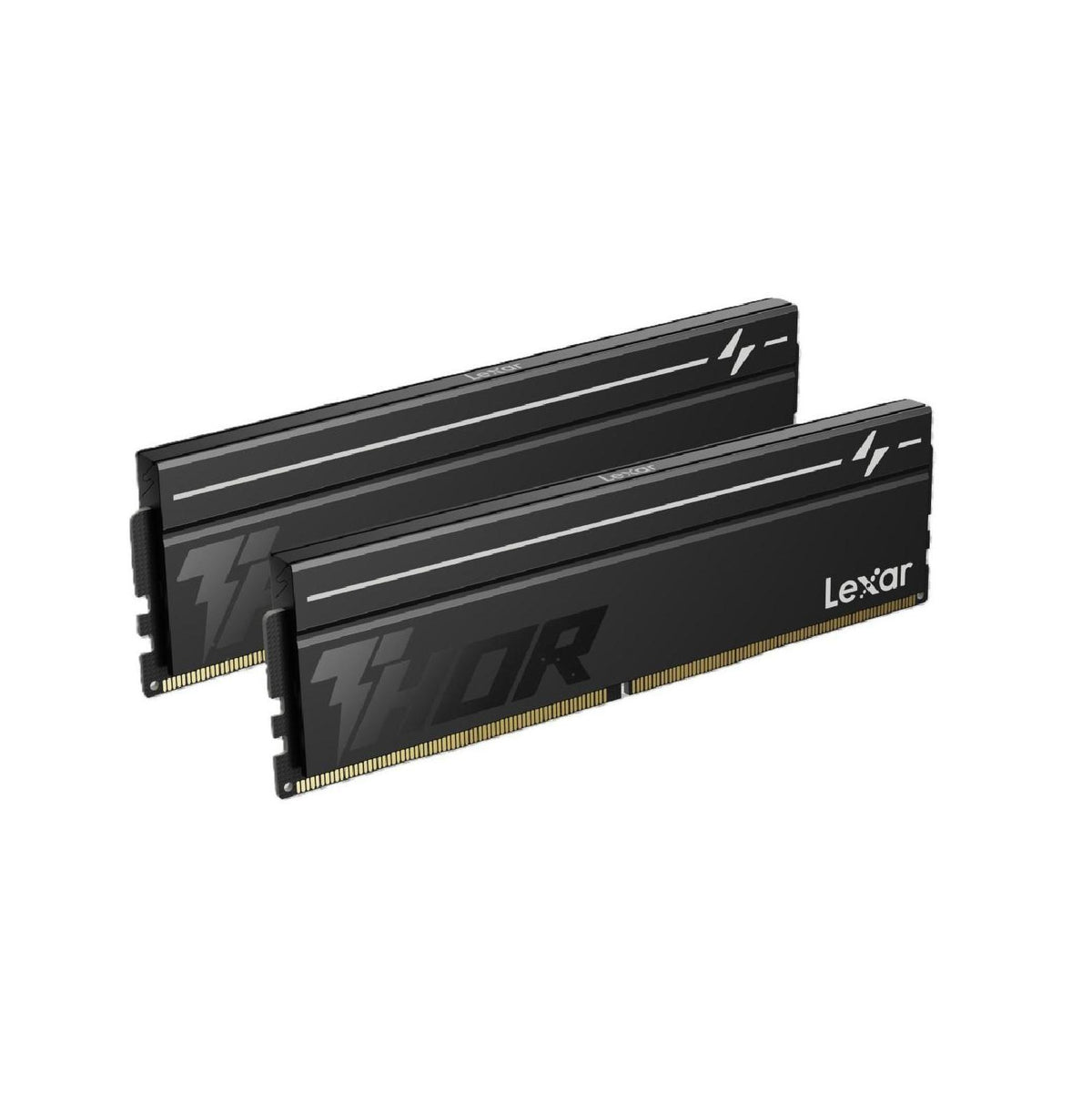
Lexar LD5U16G60C380V-RGD DDR5 32GB 2x16GB 6000 MT/s CL38 THOR G2 Black

Regular price
Sale price $686.31 Regular price $699.73

Lexar

Lexar LD5U16G60C400V-RGS DDR5 16GB 6000 MT/s CL40 RGB BLACK

Regular price $399.00
Sale price Regular price

Lexar

Lexar LD4AU008G-B2666GSST 8GB DDR4 2666 MT/s CL22 UDIMM

Regular price $199.00
Sale price Regular price

Lexar

Lexar LD4AS08G-B2666GSST 8GB DDR4 2666 SO-DIMMM Laptop Memory

Regular price $159.00
Sale price Regular price

Lexar

Lexar LD4AS016G-H2666G 16GB DDR4 2666 SO-DIMMM Laptop Memory

Regular price $199.00
Sale price Regular price

Lexar

Lexar LD4BU016G-R3200GSXG DDR4 UDIMM 16GB 3200 MTs 1.2V CL22

Regular price $239.00
Sale price Regular price
Lexar 32GB DDR4 3200 MT/s CL22 SO-DIMM Laptop Memory

Lexar

Lexar 32GB DDR4 3200 MT/s CL22 SO-DIMM Laptop Memory

Regular price $499.00
Sale price Regular price
Lexar 8GB DDR4 3200 MT/s CL22 SO-DIMM Laptop Memory

Lexar

Lexar 8GB DDR4 3200 MT/s CL22 SO-DIMM Laptop Memory

Regular price
Sale price $112.80 Regular price $159.00
Lexar LD4AS016G-B3200GSST 16GB DDR4 3200 SO-DIMM Laptop Memory CL22 - Blister

Lexar

Lexar LD4AS016G-B3200GSST 16GB DDR4 3200 SO-DIMM Laptop Memory CL22 - Blister

Regular price
Sale price $188.99 Regular price $219.00
Lexar LD5U08G60C380V-RGS DDR5 8GB 6000 MT/s CL38 Black

Lexar

Lexar LD5U08G60C380V-RGS DDR5 8GB 6000 MT/s CL38 Black

Regular price
Sale price $198.99 Regular price $399.00
Lexar LD5U16G60C360V-RGS DDR5 16GB 6000 MT/s CL36 Black

Lexar

Lexar LD5U16G60C360V-RGS DDR5 16GB 6000 MT/s CL36 Black

Regular price
Sale price $345.51 Regular price $499.00
Lexar LD5U08G60C380V-RGD DDR5 16GB Kit 6000 MT/s CL38 THOR G2 OC Black

Lexar

Lexar LD5U08G60C380V-RGD DDR5 16GB Kit 6000 MT/s CL38 THOR G2 OC Black

Regular price
Sale price $358.99 Regular price $419.00
Lexar LD5S 8GB DDR5 5600 MT/s SO-DIMM CL46 Blisters

Lexar

Lexar LD5S 8GB DDR5 5600 MT/s SO-DIMM CL46 Blisters

Regular price
Sale price $192.32 Regular price $269.00
Lexar LD5U08G56C46ST DDR5 8GB 5600 MT/s UDIMM CL46

Lexar

Lexar LD5U08G56C46ST DDR5 8GB 5600 MT/s UDIMM CL46

Regular price
Sale price $184.99 Regular price $199.00
Lexar LD5DS016G-B4800GSST 16GB DDR5 SO-DIMM 4800 MT/s

Lexar

Lexar LD5DS016G-B4800GSST 16GB DDR5 SO-DIMM 4800 MT/s

Regular price
Sale price $334.15 Regular price $349.00
Lexar LD5DU016G-B4800GSST 16GB DDR5 4800 MT/s UDIMM CL40

Lexar

Lexar LD5DU016G-B4800GSST 16GB DDR5 4800 MT/s UDIMM CL40

Regular price
Sale price $322.79 Regular price $399.00

Lexar

Lexar LD5S16G56C46ST-HGN DDR5 SO-DIMM 16GB 5600 MT/s BULK

Regular price
Sale price $358.99 Regular price $399.00

Lexar

Lexar LD5S16G56C46ST-BGS 16GB DDR5 SO-DIMM 5600 MT/s

Regular price
Sale price $345.51 Regular price $399.00

Which Lexar RAM do you actually need?

Most PC builders get stuck choosing between speed, capacity and price, when the better question is which tier of DDR5 suits the platform they're building on. Lexar's desktop range roughly splits into three groups. Entry kits sit around DDR5-5600 with looser timings and a plain heat spreader. The sweet-spot kits, like the Thor line, target DDR5-6000 to 6400 with tighter timings. The enthusiast kits, like the Ares RGB line, chase higher frequencies with RGB lighting and thicker heatspreaders.

What changes between them is mostly the binning of the memory ICs and the timings. Real latency in nanoseconds is roughly 2000 multiplied by CL, divided by the transfer rate. So DDR5-6000 CL30 lands near 10 ns, while DDR5-5600 CL46 sits closer to 16 ns. That gap matters in games, where the CPU is constantly waiting on memory. Raw bandwidth matters more for video encoding, large compiles and integrated graphics.

Diminishing returns kick in quickly. On AM5, DDR5-6000 is the usual sweet spot because the memory controller and Infinity Fabric can run in a 1:1 relationship. Going to 7200 or 8000 often forces a ratio change that adds latency back and cancels the gain. If you're building around one of the CPUs & Processors we stock, spend on capacity and sensible timings first, then chase frequency only if your platform can use it.

Upgrading and technical nuances

DDR5 differs from DDR4 in ways that catch people out. Each module has its own power management chip on the PCB, and each stick is internally split into two 32-bit subchannels. That's why two sticks are the baseline for a proper dual-channel setup. A single stick leaves a lot of bandwidth unused, and it can noticeably hurt integrated graphics and some games.

Profiles are the next trap. AMD boards use EXPO, Intel boards use XMP, and many Lexar kits ship with XMP profiles that AMD boards can usually read, but results vary by board and BIOS. Check the kit's listing and your board's memory support list before buying. Browse Motherboards from ASUS TUF, MSI Tomahawk or Gigabyte AORUS ranges, which generally have mature memory support and regular BIOS updates.

Four sticks are harder on the memory controller than two. A 4x16GB setup at DDR5-6000 often won't run at the rated speed, so 2x32GB is usually the better route to 64GB. Single-rank and dual-rank modules also behave differently. Dual-rank kits can interleave accesses and gain a little performance at the same speed, but they stress the controller more at high frequencies.

For benchmarking against Lexar, look at Corsair Vengeance, Kingston Fury Beast and G.Skill Ripjaws S5 for the mainstream sweet spot. G.Skill Trident Z5 and Corsair Dominator are the premium enthusiast lines, with better binning and cooling. Lexar's pitch is usually competitive pricing against these. Browse the full Desktop Memory range to compare like for like.

Finally, plan for first-boot memory training. New AM5 builds can sit on a blank screen for a minute or two on the first start while the board trains the memory. That's normal. Update the BIOS before you push any XMP or EXPO profile if you can.

Practical things to check before buying

Start with physical clearance. RGB heatspreaders on enthusiast kits can stand taller than 40 mm, which can foul large air coolers. Check the cooler's stated memory clearance, especially on tower designs from the CPU Cooling range or anything in Fans, Heatsinks & Cooling. Dual-tower coolers like the Thermalright Peerless Assassin usually leave room on the first slot, but a second fan may need to be raised. A low-profile kit is the safer option for tight builds.

Thermals matter more on DDR5 because the onboard power management chip generates heat of its own. A thicker aluminium heatspreader helps move that heat away, but in a case with decent airflow even standard spreaders are fine at rated speeds. Cramped small-form-factor cases are where you want to watch temperatures, so check the airflow design of your Computer Cases.

Capacity should match your use. 16GB total is entry level and tight today. 32GB is the comfortable standard for gaming and general work. 64GB suits editing, virtual machines and heavy multitasking. Also check the module count against your board's slots, since some compact boards have only two.

Power and supporting parts rarely affect RAM directly, but a stable system needs a quality PSU. If you're building around a modern Graphics Cards / GPU, look at ATX 3.1 units with a native 12V-2x6 connector in Power Supplies, such as Seasonic Focus or Corsair RMx. An unstable supply can show up as random memory errors that get blamed on the RAM. After installing, run a memory test such as MemTest86 overnight to confirm the kit is stable. If your storage is also being upgraded, fast Solid State Drives (SSD) pair well with more RAM for large project work.

Brands and local warranty

For desktop memory, the established names are Corsair, Kingston, G.Skill, Crucial and Lexar. Lexar has a long history in flash storage and is part of a major manufacturer, so it isn't a fly-by-night label. It tends to compete on value rather than flashy bin-chasing.

Warranty is the part people skip. Memory is a part where faults can be intermittent and annoying, so being able to claim locally matters. Buying from an Australian retailer means your claim is handled here, under Australian Consumer Law, rather than by posting a stick overseas and waiting weeks. Keep your invoice and kit serial number, and always test a new kit properly in the first few weeks.

Frequently asked questions

Is Lexar RAM good for gaming?

Yes, a DDR5-6000 kit with sensible timings suits most gaming builds. The IC bin and timings matter more than the name on the heatspreader.

How much RAM do I need?

32GB in a 2x16GB kit is the comfortable choice for gaming and everyday work. Go to 64GB only if you edit video, run virtual machines or work with large datasets.

Will Lexar RAM work on my AMD or Intel board?

Generally yes, since DDR5 is standardised. Check your board's memory support list and update the BIOS first. XMP profiles usually work on AM5 boards, but EXPO-certified kits are the safer match.

Is faster RAM always better?

No. Past the platform's sweet spot, usually DDR5-6000 on AM5, extra frequency can add latency or force instability, and the real-world gain is small.

Should I buy two sticks or four?

Two. Fewer modules put less strain on the memory controller and make higher speeds easier to hold. If you need more capacity, buy larger sticks rather than filling every slot.