Skip to content
Cart

Collection: Curved Monitors

A curved panel wraps the image slightly around you, which cuts eye movement on big screens and pulls you further into games. After a curved gaming display, or a gentler curve for long work days? Take your pick. Shop curved monitors from Samsung, LG, AOC and more, across gaming and everyday ranges in a spread of sizes and curvatures. Not sure how aggressive a curve suits your desk distance? Ask us. Genuine stock, local warranty, and fast local dispatch.

Compare (0/5)

53 products

HP

HP P34hc G4 34" WQHD Curved 21:9 USB-C (65W) DP HDMI Monitor

Regular price
Sale price $642.99 Regular price $771.01

AOC Monitors

AOC 49" Curved 32:9 DQHD 165Hz Adaptive Sync HDR Monitor HDMI DP USB-C

Regular price
Sale price $1,398.74 Regular price $1,609.00

AOC Monitors

AOC 34" WQHD Curved Monitor 120Hz 1ms VA HDMI DP

Regular price
Sale price $344.37 Regular price $459.00

LG

LG 34" UltraWide WQHD Curved 144Hz Monitor 3440x1440 HDR10 2xHDMI DP 1.4

Regular price
Sale price $448.89 Regular price $599.00

LG

LG 38WR85QC-W 38" WQHD Curved Nano IPS Monitor 3840x1600 FreeSync Premium Pro

Regular price $2,299.00
Sale price Regular price

LG

LG UltraGear 45GX950A-B 45" 5K2K WUHD Curved OLED Gaming Monitor AMD

Regular price $3,599.00
Sale price Regular price

Dell

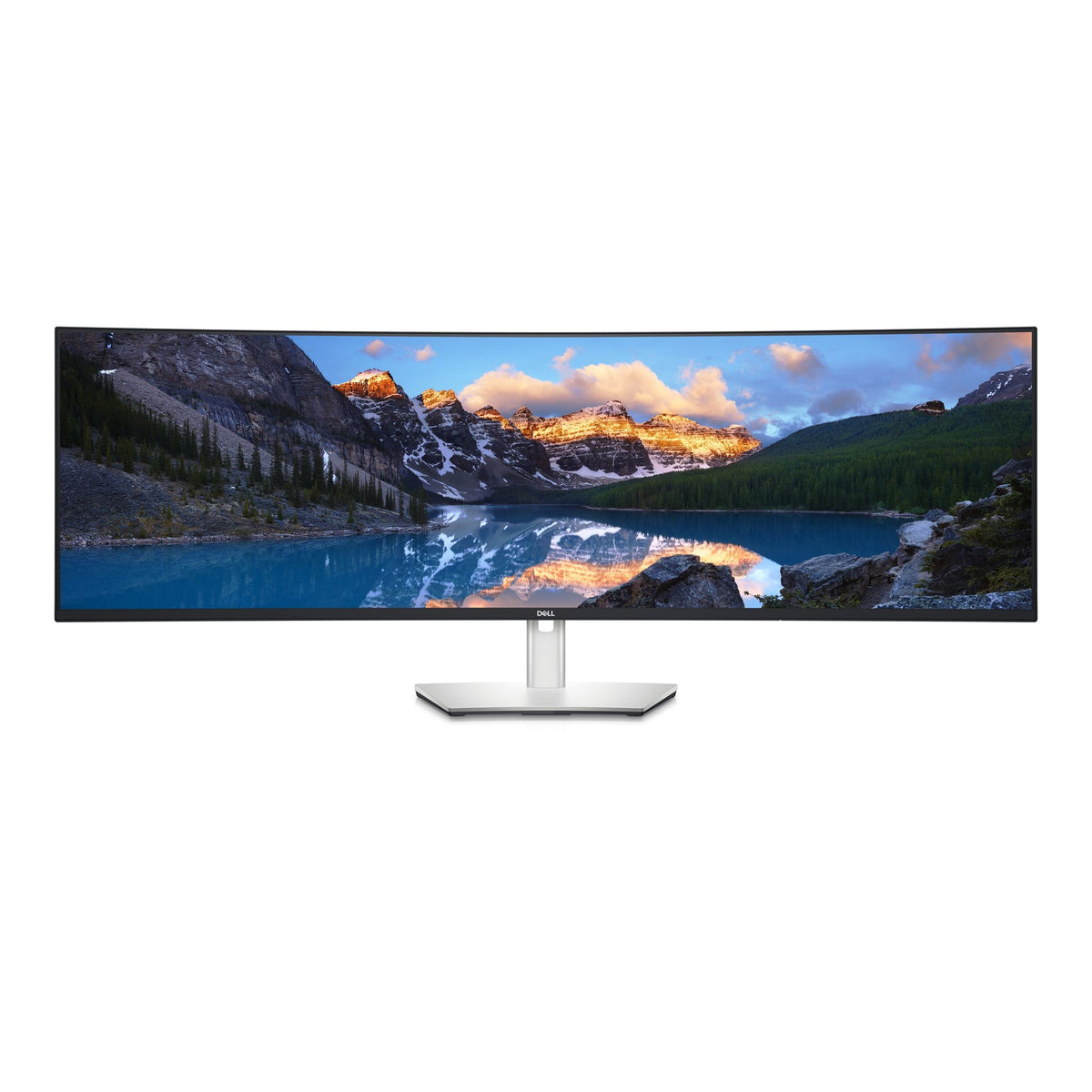
Dell UltraSharp U4924DW 49" DQHD Curved IPS Monitor 5120x1440 USB-C HDMI DP

Regular price
Sale price $1,978.99 Regular price $4,518.80

AOC Monitors

AOC AGON AG493UCX2 49" DQHD Curved 360Hz VA Gaming Monitor DP HDMI USB Hub

Regular price $1,609.00
Sale price Regular price

MSI

MSI MAG 342CQRF 34" UWQHD 200Hz Curved VA Gaming Monitor HDMI DP Black

Regular price $389.70
Sale price Regular price

LG

LG 34" UltraWide 100Hz WQHD Curved Monitor 3440x1440 USB-C 65W HDR10

Regular price
Sale price $483.93 Regular price $550.00

AOC Monitors

AOC CQ32G4E 31.5" QHD Curved 180Hz VA 0.5ms MPRT Monitor DP HDMI

Regular price
Sale price $448.74 Regular price $459.00

MSI

MSI MAG 275CF X24 27" FHD 240Hz 1500R Curved VA Gaming Monitor HDMI DP Black

Regular price $169.00
Sale price Regular price

Philips

Philips Evnia 49M2C8900L 49" 144Hz Curved QD-OLED Gaming Monitor AmbiGlow

Regular price $1,899.00
Sale price Regular price

Philips

Philips 34E1C5600HE 34" WQHD Curved USB-C VA Monitor

Regular price
Sale price $680.99 Regular price $699.00

LG

LG 34U640B-B 34" UW-QHD Curved VA Monitor 3440x1440 USB-C HDMI DP

Regular price $649.00
Sale price Regular price

AOC Monitors

AOC 34" WQHD Curved Monitor 180Hz 0.5ms VA DP 1.4 HDMI 2.0

Regular price $475.26
Sale price Regular price

Philips

Philips 49M2C8900 5K 32:9 Curved QD-OLED 240Hz Monitor HDMI DP USB-C

Regular price
Sale price $2,139.13 Regular price $2,299.00

AOC Monitors

AOC C32G42ZE 31.5" Curved VA FHD 260Hz 0.3ms MPRT Adaptive Sync HDR Monitor

Regular price
Sale price $406.26 Regular price $424.00

AOC Monitors

AOC C27G4Z 27" VA Curved 1500R 280Hz FreeSync Low Blue Mode Height Adjustable

Regular price $395.93
Sale price Regular price

LG

LG 32MR50C-B 32" Full HD Curved VA Monitor 1920x1080 FreeSync HDMI VGA

Regular price $299.00
Sale price Regular price

Which curved monitors do you actually need?

Curved monitors make the most sense when the screen is wide enough that the edges sit noticeably further from your eyes than the centre. On a 24-inch panel the curve is mostly a styling choice. On a 34-inch ultrawide or a 49-inch super ultrawide, it keeps the corners at a comfortable distance and cuts head and eye movement. So the real question is how much width and how many pixels you want.

The entry tier is the 1080p to 1440p range. If you only want a bit of immersion and a smooth picture, a 31.5-inch Full HD panel like the Philips EVNIA 32M1C3200WL (240Hz, VA, 1500R) or the LG 32MR50C-B is a sensible, cheap way in. At that size 1080p looks soft for office work, but for fast games it's easy on the graphics card. If budget is the main constraint, browse the 1080p & Full HD Monitors too, since not every sharp deal needs a curve.

The sweet spot is the 34-inch ultrawide at 3440x1440. That's the LG 34" UltraWide (100Hz, USB-C with 65W), the MSI PRO MP341CQPHG (120Hz), the Samsung ViewFinity S65TC (100Hz) and the ViewSonic 34" Curved Docking Monitor (120Hz). The LG UltraGear 34G600A-B steps up to 160Hz with FreeSync for gamers. This tier suits mixed work and play because the pixel count is manageable (about 4.95 million, versus 3.69 million on a 16:9 1440p panel) and a mid-range GPU can drive it well.

Diminishing returns start when you chase two things at once: huge resolution and extreme refresh rate. A 5120x2160 panel like the LG 40WP95C-W pushes about three times the pixels of 1440p. A 360Hz panel like the AOC AGON AGP346UCSD only pays off if your GPU and CPU can actually deliver those frames. Past roughly 144Hz, most people notice the gains only in fast competitive games. Pick the enthusiast tier for a specific reason, such as a big productivity canvas, OLED contrast, or esports, not because the numbers are bigger.

What changes under the hood

The first trade-off is panel type. VA panels, which most of the cheaper curved models use, have high native contrast. The LG UltraGear 34G600A-B is listed at 4000:1 and the LG 34" UltraWide at 3000:1. That gives deeper blacks in a dim room, but dark transitions can smear a little on slower panels. IPS and Nano IPS panels trade contrast for colour and viewing angles. The LG 49U950A-W lists 1000:1 contrast but covers DCI-P3, and the Dell UltraSharp models are the ones to look at for colour-critical work. OLED and QD-OLED, as on the MSI MPG 491CQP, Philips Evnia 49M2C8900L and AOC AGP346UCSD, light each pixel individually, so blacks are essentially off. The price is some burn-in risk with static content, so they suit gaming and video better than a spreadsheet left open all day.

Curvature is the next spec people misread. The "R" number is the radius of the circle in millimetres, so 1000R is a tighter curve than 1800R. The Samsung ViewFinity S65TC is 1000R, the AOC and ViewSonic models sit at 1500R, many 34-inch and 49-inch models are 1800R, and the LG 49U950A-W is a gentle 3800R. Tighter curves feel more wrapped-around and can suit closer viewing. Gentler curves are easier to live with if you do straight-edged work like CAD or spreadsheets, where lines can look slightly bent.

Aspect ratio and resolution are the compatibility trap. A 49-inch 5120x1440 screen is a 32:9 panel, effectively two 27-inch 1440p displays side by side. Not every game supports it, so some stretch, crop or pillarbox. The 21:9 panels at 3440x1440 are far more widely supported. Check your title list before spending big on 32:9.

Cabling is where high refresh and high resolution bite. 5120x1440 at 144Hz or 3440x1440 at 360Hz is a lot of bandwidth, so use DisplayPort or a proper HDMI connection, and check your graphics card has the right output. A cheap or old cable can quietly cap you at a lower refresh rate. Also note that the LG 32MR50C-B has HDMI and VGA only, which is fine for Full HD but isn't a gaming-grade connection set.

Adaptive sync (FreeSync, G-Sync or VESA Adaptive Sync) smooths frame delivery when your frame rate dips below the refresh rate. It matters more than another 60Hz on the spec sheet, and every gaming-oriented model here supports at least one flavour.

Things to check before you buy

Start with the desk. A 34-inch ultrawide is around 80cm wide, and a 49-inch is wider again, roughly the width of two 27-inch screens. Measure your desk and the depth of the stand, because curved panels also reach further back. The 49-inch models need a deep, sturdy desk or a monitor arm. Several models here list a 100 x 100 mm VESA mounting pattern, which is the common standard, so an arm is an option, but check its weight rating against the monitor's.

Next, think about how it connects to your laptop or PC. USB-C with power delivery is brilliant for a one-cable setup, and the LG 34" UltraWide and ViewSonic docking model both list 65W. That's fine for most thin-and-light laptops but may charge a power-hungry gaming laptop slowly under load. The ViewSonic also has KVM switching, which lets one keyboard and mouse control two computers. If that's your use case, the ViewSonic Monitors page has the docking-style options together.

Check your GPU against the resolution you're buying. A 5K2K panel like the LG 40WP95C-W or Dell UltraSharp U4025QW looks fantastic for productivity, but gaming on it needs serious graphics horsepower. If you're not sure, a 3440x1440 screen is the safer bet and you can always turn settings down.

Mind the panel's character. If the room is bright, an OLED's glossy finish can show reflections, while a matte VA or IPS hides them. If you work with static windows for long hours, think about burn-in before buying OLED. If you're an office user, a good IPS with USB-C, such as the Dell UltraSharp U3425WE, will be nicer day to day than a 360Hz gaming panel.

Finally, check stock. A few popular curved models, including some AOC gaming screens and the Philips 49M2C8900, are currently out of stock, so if you're set on one, it's worth checking alternatives in the same size and refresh class.

Brands we stock

We carry LG, AOC Monitors, MSI, Philips, Dell, Samsung and ViewSonic. LG covers the widest span, from the Full HD 32MR50C-B to the 5K2K Nano IPS 40WP95C-W and the Dual QHD 49U950A-W. AOC Monitors leans towards gaming, with the AGON line pushing 360Hz on VA and OLED. MSI offers a business-friendly 34-inch in the PRO line and a QD-OLED 49-inch in the MPG line. Philips brings the Evnia gaming range, and you can see the lot in Philips Monitors. Dell's UltraSharp curved models are the productivity picks, and Dell Computer Monitors has the wider range. Samsung's ViewFinity S65TC is a straightforward 34-inch work screen with a USB-C hub, and ViewSonic fills the docking niche.

Buying genuine Australian stock matters because it comes with local warranty support. With a large, expensive panel that's awkward to ship, that's a real comfort. If you want to compare across everything we sell, the Monitors hub is the place to start.

Frequently asked questions

Is a curved monitor better than a flat one?

On a wide screen, usually yes, because the curve keeps the edges at a similar distance from your eyes. On smaller screens it's mostly preference. If you do precise straight-line work, a gentler curve or a flat panel can feel more natural.

What does 1800R actually mean?

It describes a circle with an 1800mm radius, so the screen's curve follows that circle. A lower number means a tighter curve, so 1000R wraps around you more than 1800R.

Do I need a 49-inch super ultrawide?

Only if you want that much width. It's superb for multitasking, racing and flight sims, but some games don't support 32:9 and you need a deep desk. A 34-inch at 3440x1440 is the safer choice for most people.

Is OLED worth it for a curved monitor?

For gaming and films, the contrast is hard to beat. For all-day static work, a good IPS or VA panel is the more practical choice, mainly because of burn-in risk with OLED.

Will my laptop charge over USB-C?

Models like the LG 34" Ultra